Doom
Doom plays Doom and the games made on its engine (Doom II, Final Doom, Freedoom, Chex Quest…), with the touch controls on the screen, upright or sideways.
Doom is not part of the firmware: it is installed separately, and then shows up in the menu under Games.
Games
Doom comes with the shareware episode of the first Doom. For the others, copy their game file
(an IWAD, such as doom2.wad or freedoom1.wad) to the phone, either way:
- with USB file transfer, into the Doom WADs
folder: copy the
.wadfile itself, not a zip; - from the computer the firmware was built on:
just wads doom2.wad(zips are unpacked).
The next time Doom opens, the game shows among the others, as tiles with their title screen, named by their file: Doom II, The Ultimate Doom, Final Doom: Plutonia, Freedoom: Phase 1… A file the app does not know shows by its file name. Tap a tile to play.
Heretic, Hexen and Strife are not supported, nor are mods (PWADs) added to a game.
Playing
The game shows at the top, the controls under it. Turn the phone sideways for a larger picture: the controls go around it.
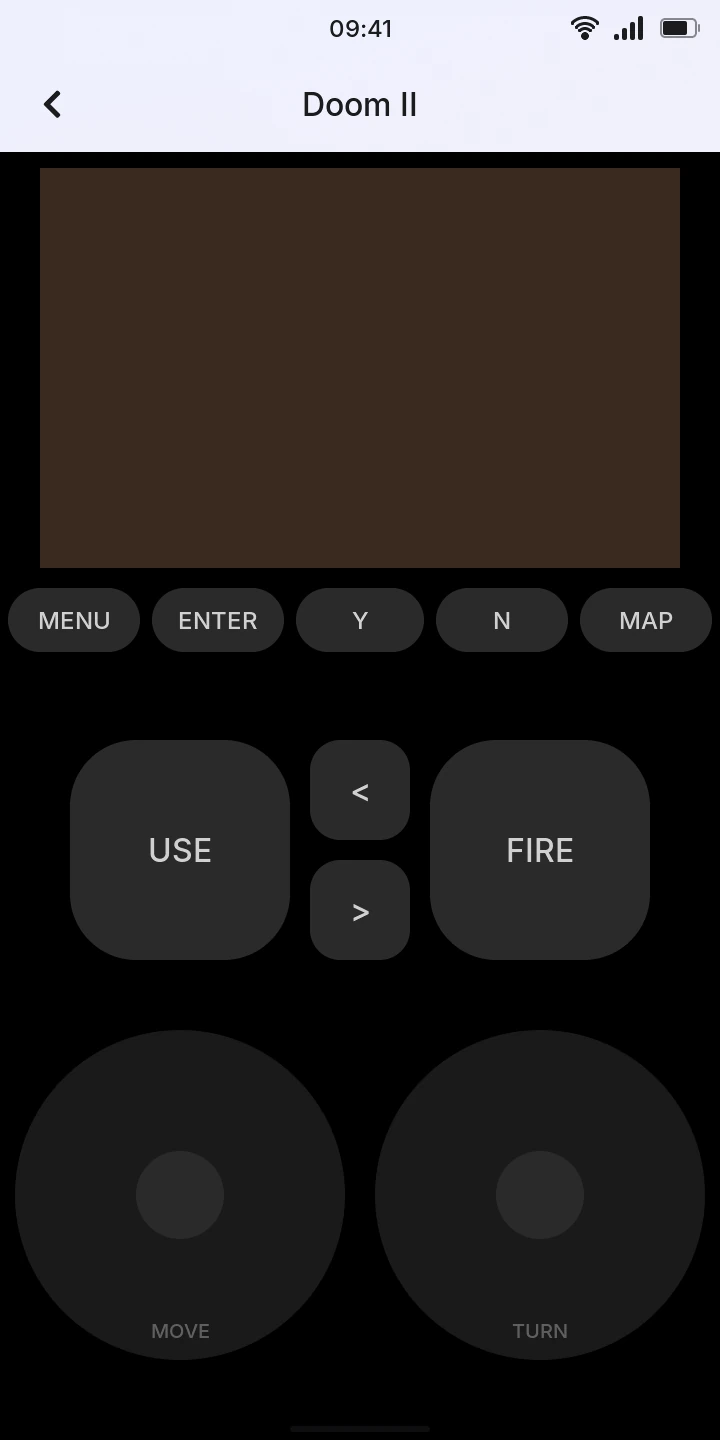
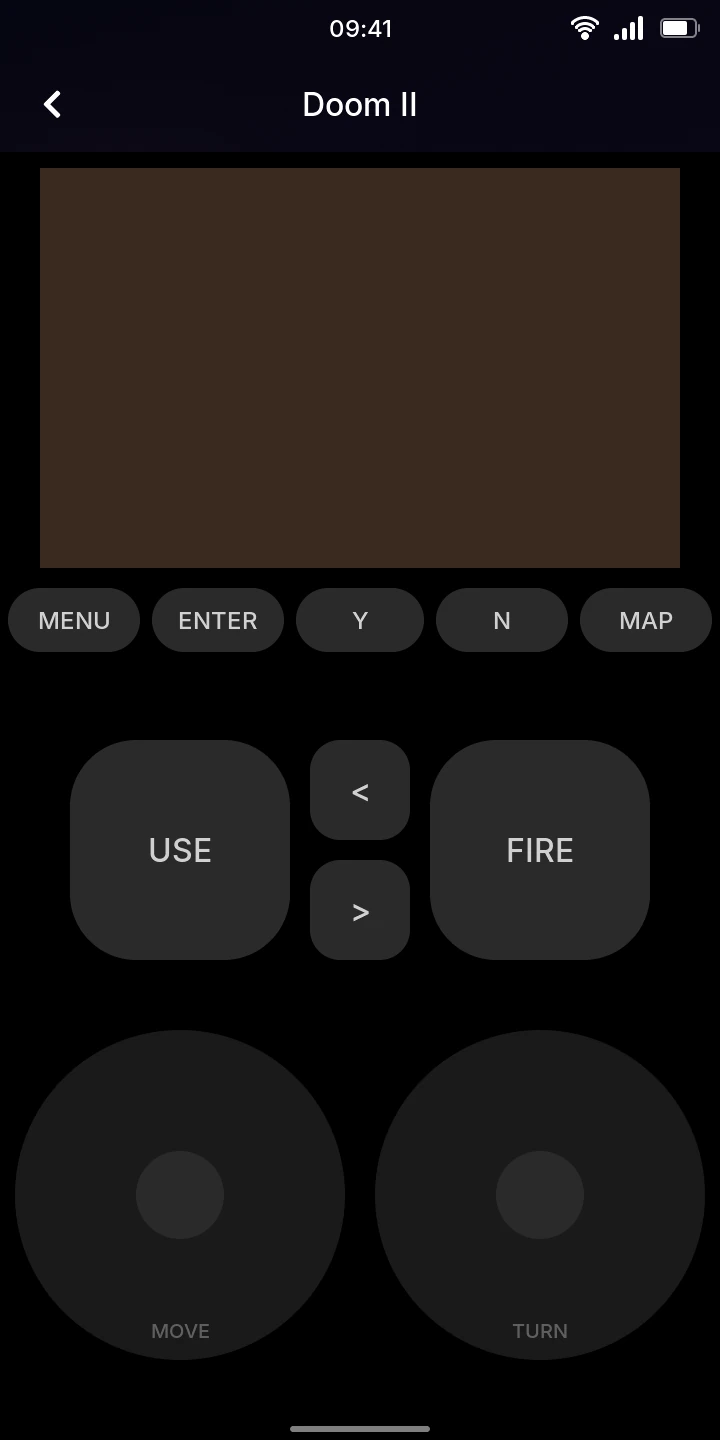
- MOVE (left): put your thumb on it and slide to walk forward, back and sideways. Upright, it is a pad at the bottom left; sideways, the whole left half, wherever your thumb lands.
- TURN (right): slide sideways to turn. Upright, it is a pad at the bottom right; sideways, the right half.
- FIRE shoots, and a finger that lands on it can turn too, by sliding. USE opens doors and presses switches. < and > choose the previous or next weapon.
- MENU opens Doom's menu, ENTER chooses in it, Y and N answer its questions, and MAP shows the map.
Several fingers work at once, and a button lights up while you hold it. The volume keys set the volume as anywhere else.
With a game controller
A Bluetooth game controller paired with the phone (see Bluetooth) plays too, connected before or during the game, together with the screen's controls. The buttons go by where they are; an 8BitDo M30's are in brackets:
| Controller | Doom |
|---|---|
| Direction pad | walk forward and back, turn left and right; moves in the menus |
| Bottom button (A) | FIRE; chooses in the menus |
| Right button (B) | USE; answers yes to the menu's questions |
| Left button (X) | run, while held |
| Left and right shoulder, L1 and R1 (Z and C) | sidestep left and right |
| Top button (Y), R2 | next weapon |
| L2 | previous weapon |
| Start | MENU |
| Select | MAP |
| Home | back to the list, the game paused, as the back arrow |
On an Xbox controller the bottom, right, left and top buttons are A, B, X and Y; on a PlayStation one, cross, circle, square and triangle.
Pausing and saving
Leaving the game with the back arrow pauses it: its tile says Paused, and tapping it goes on where you were. The game also waits while the phone is locked or asleep, and while the quick settings are open.
Only one game at a time
Opening another game ends the paused one, without saving. A paused game is also lost when the phone restarts. Save from Doom's menu to keep your progress.
To save, open MENU, choose Save game and a slot. A save needs a name, and only Y and N can type it: tap one of them, then ENTER. Saves and settings are kept for each game, also when the firmware is updated. Load game in the menu brings a save back.
Limitations
- No mods, and no games other than Doom's.
- No keyboard for names or cheats: save names can only be made of Y and N.
- The controls cannot be changed, a game controller's neither. Its sticks only walk and turn as the direction pad does, without aiming finer.
- Without a sound device free (Music playing), the game plays silently.