Maps
Maps shows the world map of OpenStreetMap, the map made by its volunteers, from whole continents down to single streets and buildings. The phone needs internet (Wi-Fi or mobile data) to download the parts of the map it has not shown before.
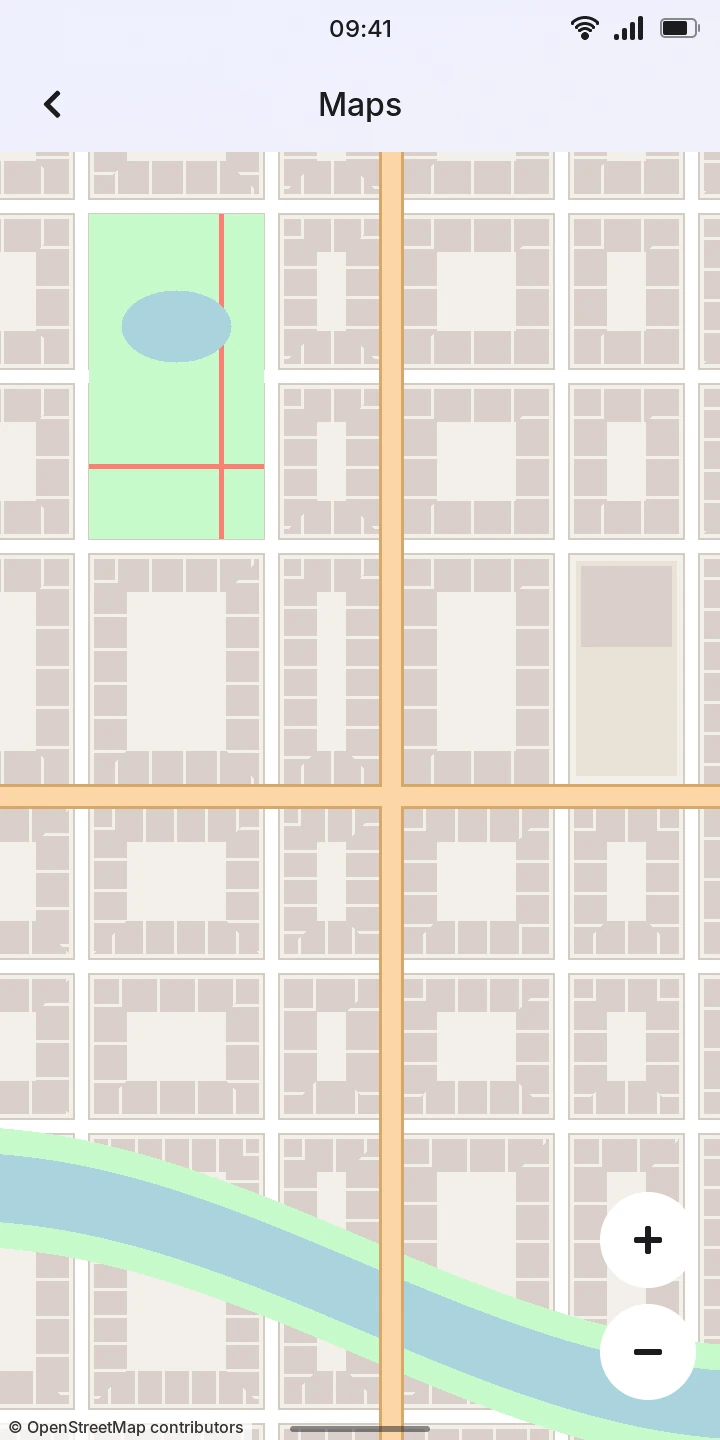
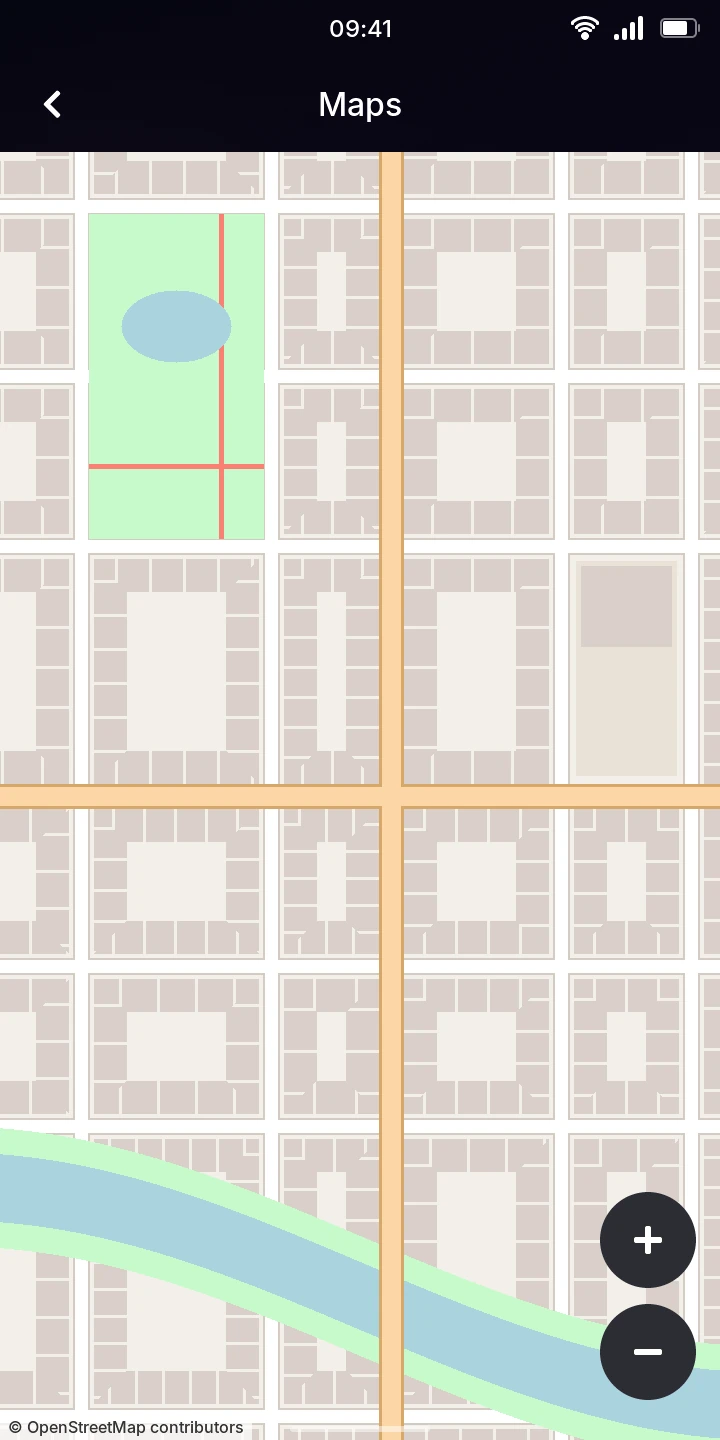
Moving around
Open Maps from the menu. The first time, it shows the whole world.
- Move the map: drag it with a finger.
- Zoom in or out: pinch with two fingers, or tap the plus and minus buttons at the bottom right.
- Zoom in on a spot: double tap it.
While a part of the map downloads, a blurry, enlarged version of the less detailed level stands in for it.
When you leave, Maps remembers where you were and how far you had zoomed in, and opens there next time.
Without internet
The parts of the map you have seen are kept on the phone, so they show again without internet. Places you have not seen stay blank (or blurry), and No internet connection shows at the top of the map; Maps tries those parts again about every 30 seconds.
Limitations
- Maps has no search, no route planning, and does not show where you are: find places by moving and zooming.
- The map data is © OpenStreetMap contributors, as the corner of the map says.