Music
Music plays the MP3 files on the phone, listed by album, and keeps playing while you use other apps.
Putting music on the phone
Music plays the MP3 files in the phone's music folder, /var/lib/music, and in the folders inside it (for example one folder per artist, one per album in it). Copy them there from a computer. With no music yet, the app says No music and Copy MP3 files to /var/lib/music.
The app reads the folder again each time you open it. To see songs you copied while it is open, pull the list down from its top and let go once the circle turns blue. Other kinds of files (AAC, FLAC, Ogg…) are left out.
The library
Open Music from the menu (under Internet & media).
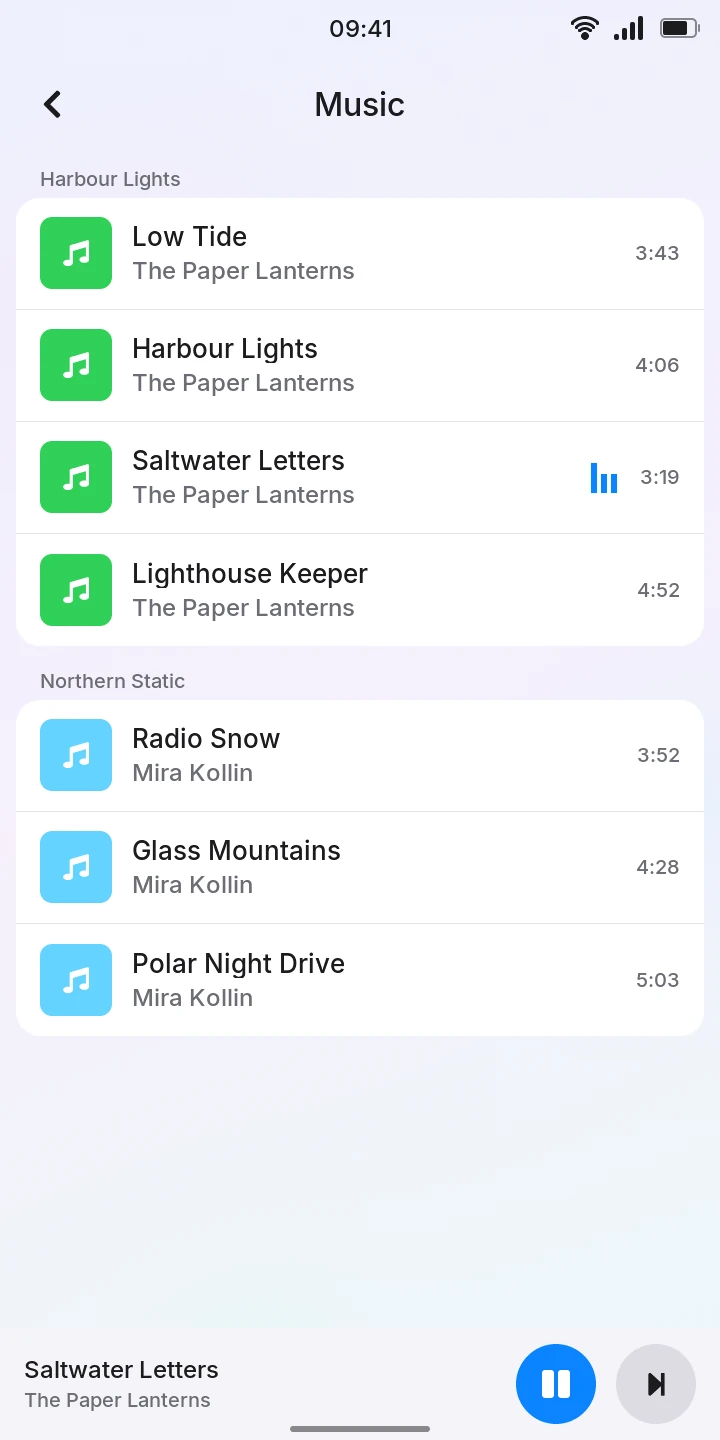
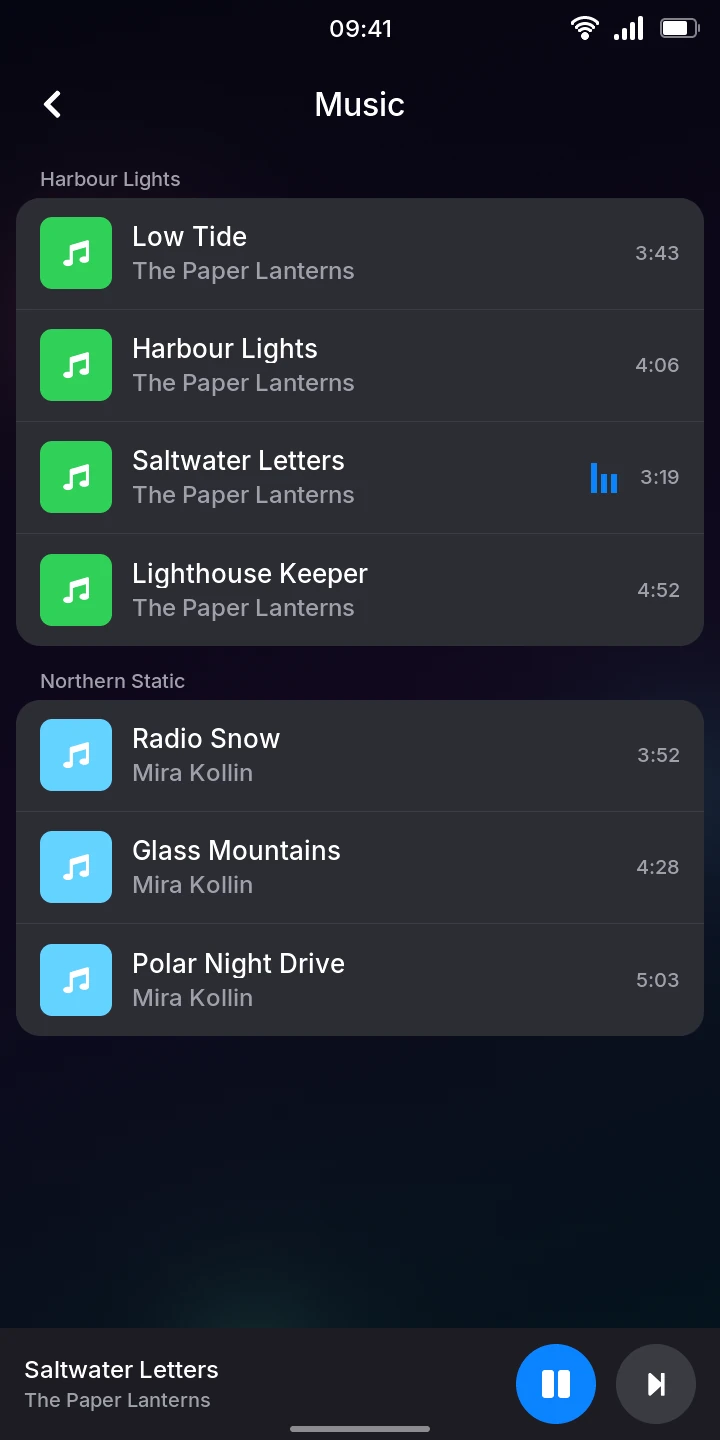
- Songs are grouped by album, the albums in alphabetical order, each album's songs in their track order. Each row shows the title, the artist and the length.
- The names come from the tags in the files. A song without a title shows its file name, without an artist Unknown artist; songs without an album come last, under Unknown album.
- The colored square of each album is the same for all its songs; the covers show on the Now Playing screen.
- The song playing has small moving bars beside its length.
Playing a song
- Tap a song. It starts playing and the Now Playing screen opens: the album's cover (or a record in the album's color when the file has none), the album, the title and the artist.
- Tap the large button to pause, and again to play.
- Drag the bar under the artist to go to another point of the song; the time played is on its left, the time left on its right.
- Tap the back arrow at the top left to go back to the library. The music goes on.
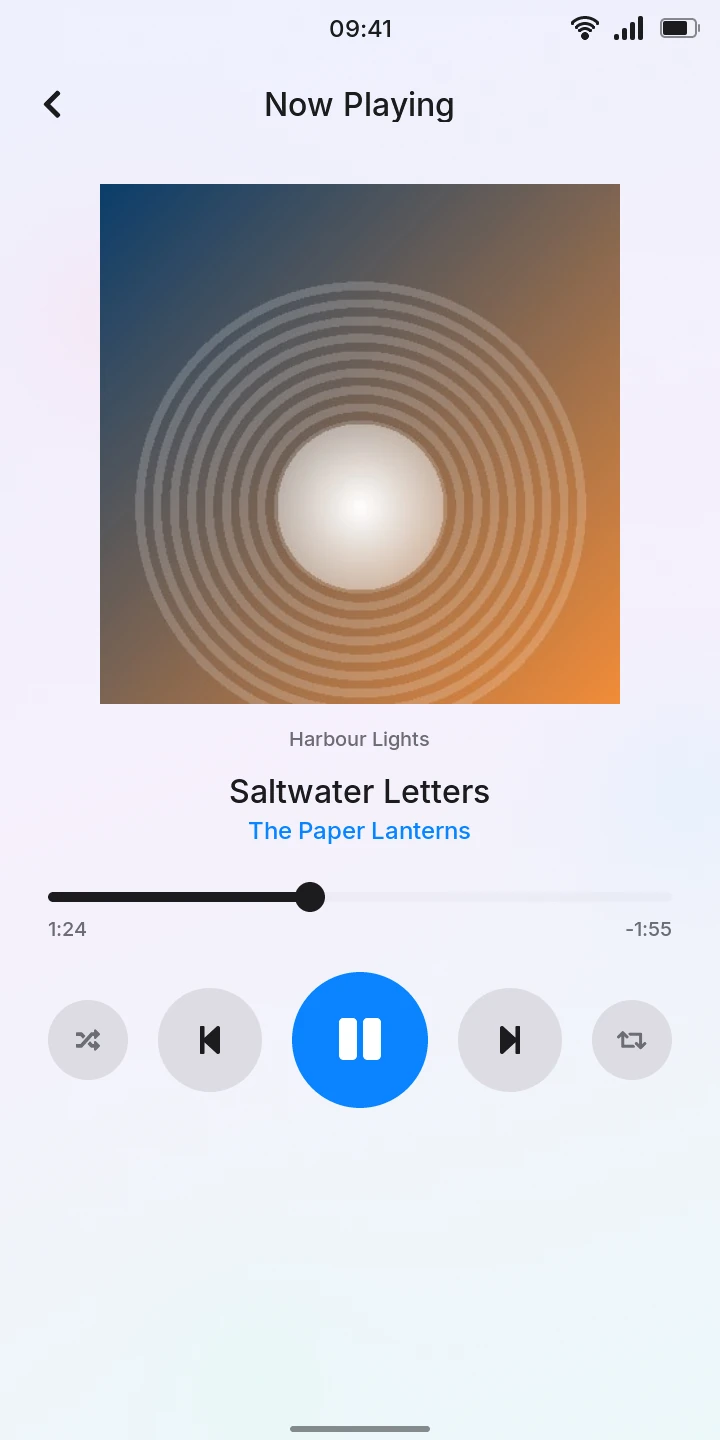
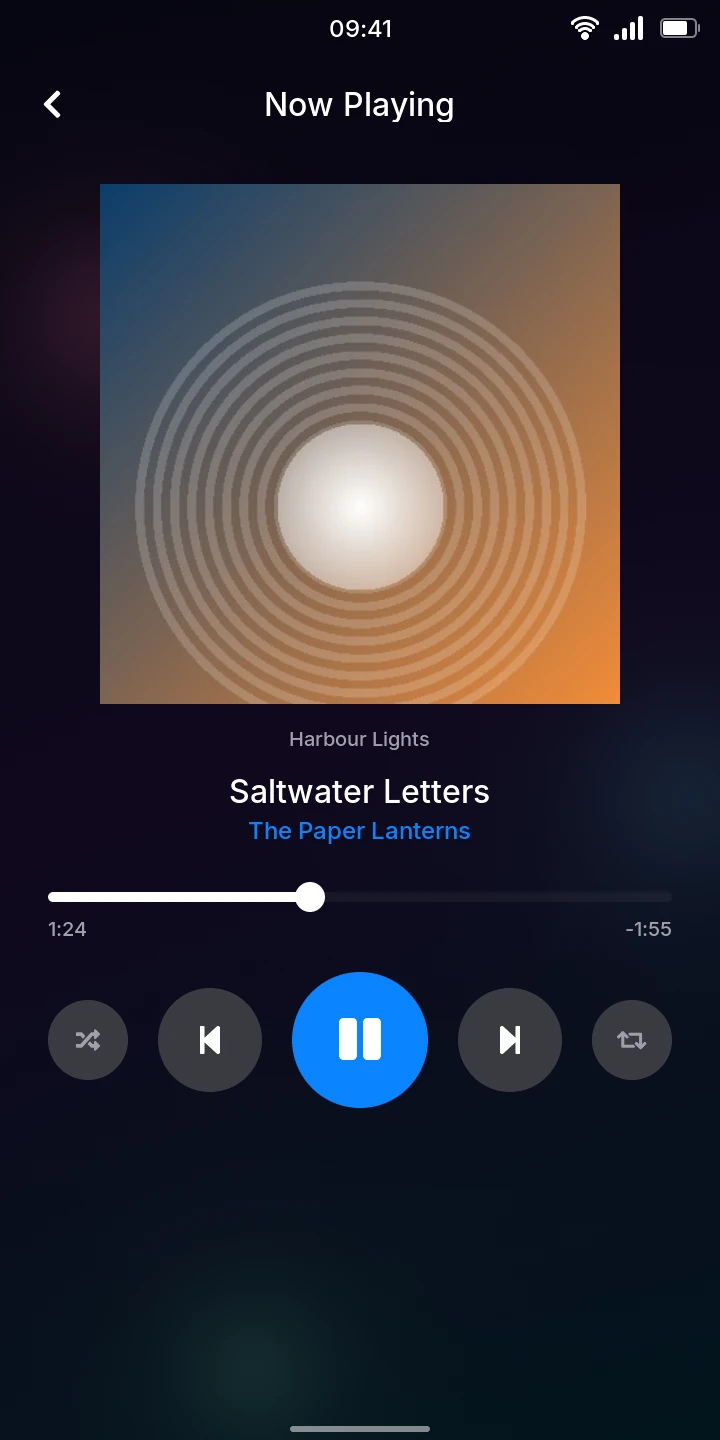
The buttons, from left to right:
- Shuffle
- After each song, a random other song from the library. Blue when it is on.
- Previous
- Back to the start of the song. In its first 3 seconds, to the previous song.
- Play / pause
- Pause, or play again.
- Next
- The next song; after the last one in the library, the first.
- Repeat
- When the last song of the library ends, start again from the first. Blue when it is on. Without it, the music stops there.
Songs follow each other in the library's order, from one album to the next. Shuffle and repeat stay as you set them until the phone restarts.
While you do something else
The music keeps playing when you leave the app or open other apps. In the library, a bar at the bottom shows the song playing, with a play / pause button and a next button; tap the bar to open Now Playing again. The volume keys change the volume.
With a Bluetooth speaker or headphones connected, the music plays on them; see Bluetooth. Their play / pause, next and previous buttons work too, from any app.
Good to know
- Only MP3 files are played. Covers must be embedded in the files (as JPEG).
- There are no playlists, no search and no way to delete songs from the phone.
- The length shown in the list is estimated from the file; it can differ slightly from the one Now Playing shows once the song has played a little.