Files
Files lets you look through the files on the phone: what is in a folder, how big a file is, when it was changed, and the start of a text file. It only shows them: it cannot delete, rename, copy or open files in other apps.
Browsing
Open Files from the menu (under Tools). It starts on the screen titled Files, with the folders where the apps keep what you put on the phone, the same ones a computer sees over USB file transfer: Photos, Music, Books, Notes, Memos (voice memos from Recorder), and Genesis and Doom WADs once those apps are installed, each with its app's icon. After them, Logs holds the phone's logs, which help find out what went wrong (see Debugging); a log shows its start, the time it began. Under them, All files opens the top of the phone's file system.
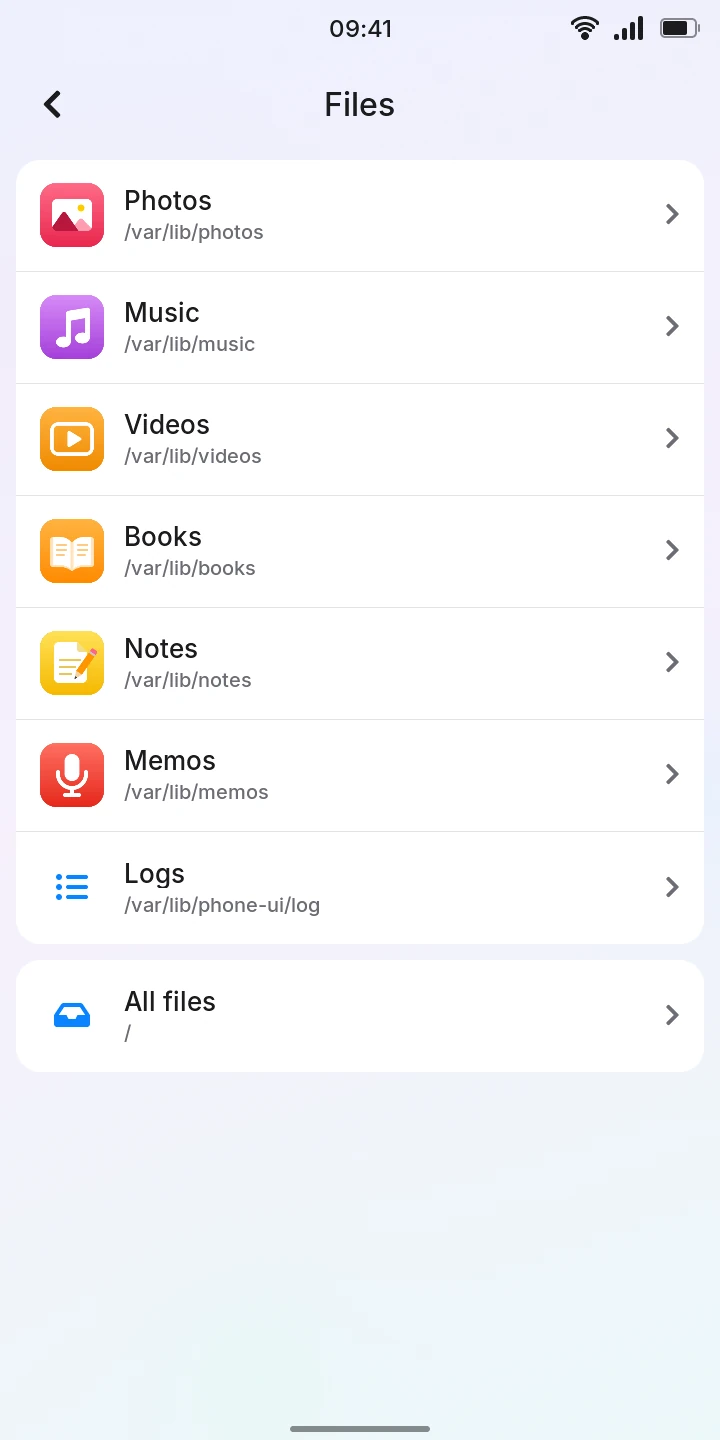
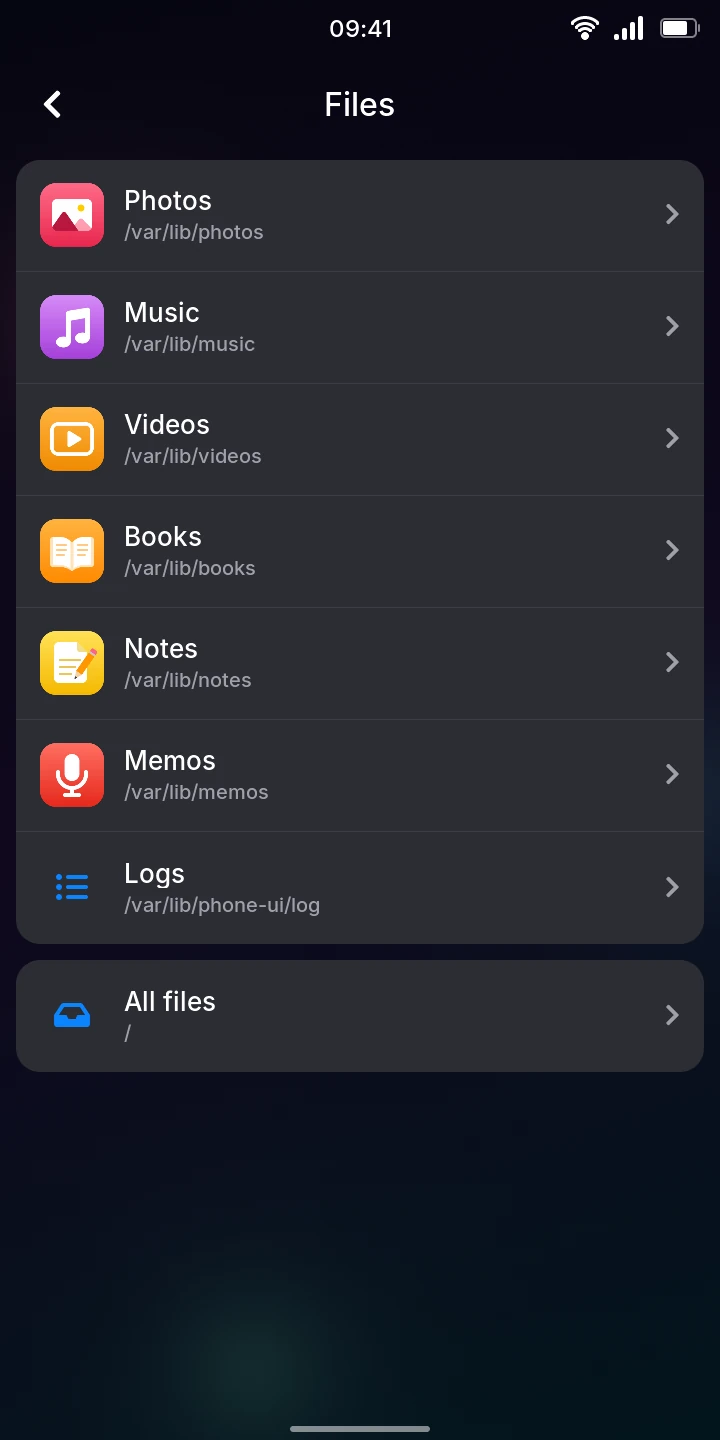
- Tap a folder to open it. Its name becomes the title of the screen.
- Tap the back arrow at the top left to go up one folder, and from the first folder back to where Files starts.
- To see files that arrived while a folder is open (over USB, for example), pull the list down from its top and let go once the circle turns blue.
Folders come first, with a blue folder symbol and an arrow, then the files, each in alphabetical order. Each file shows a symbol for its kind ( picture, sound, video, text or other), its size and when it was last changed: the time for today, the day of the week for the past few days, otherwise the date.
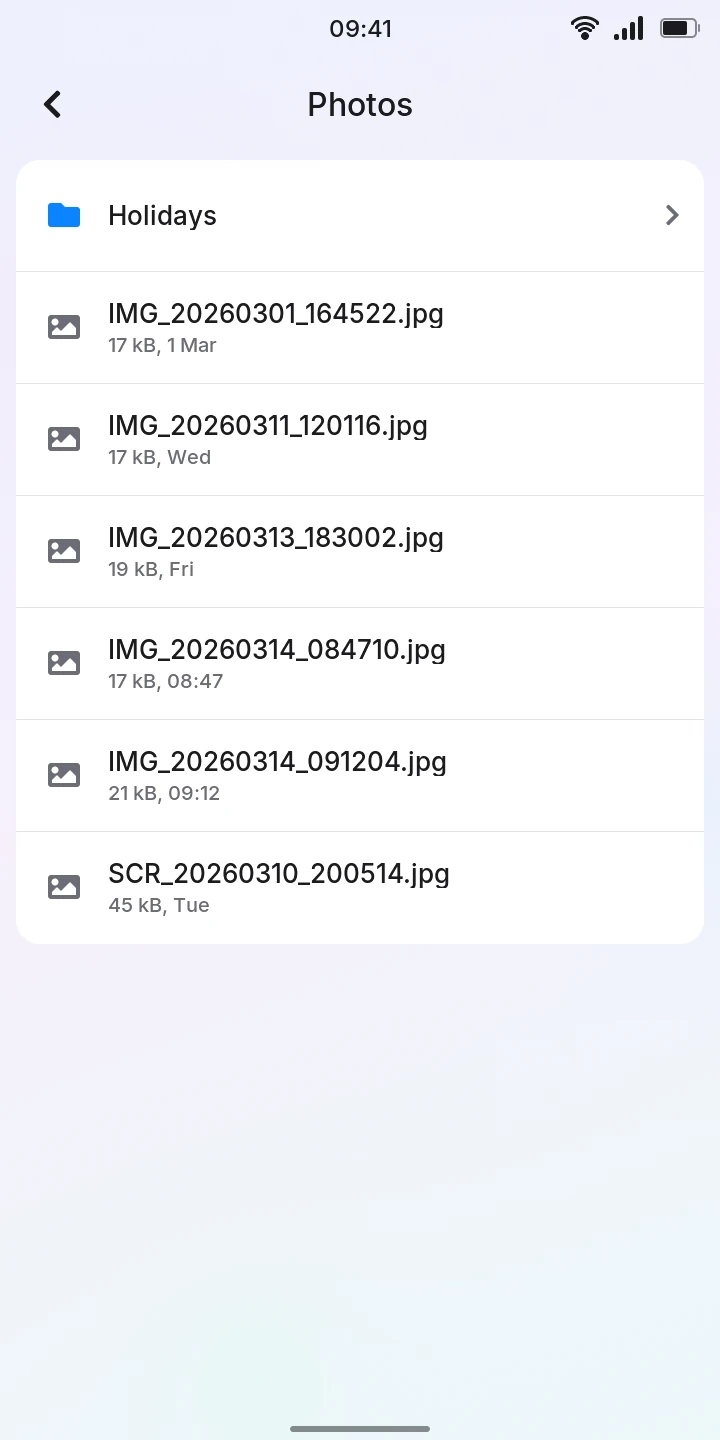
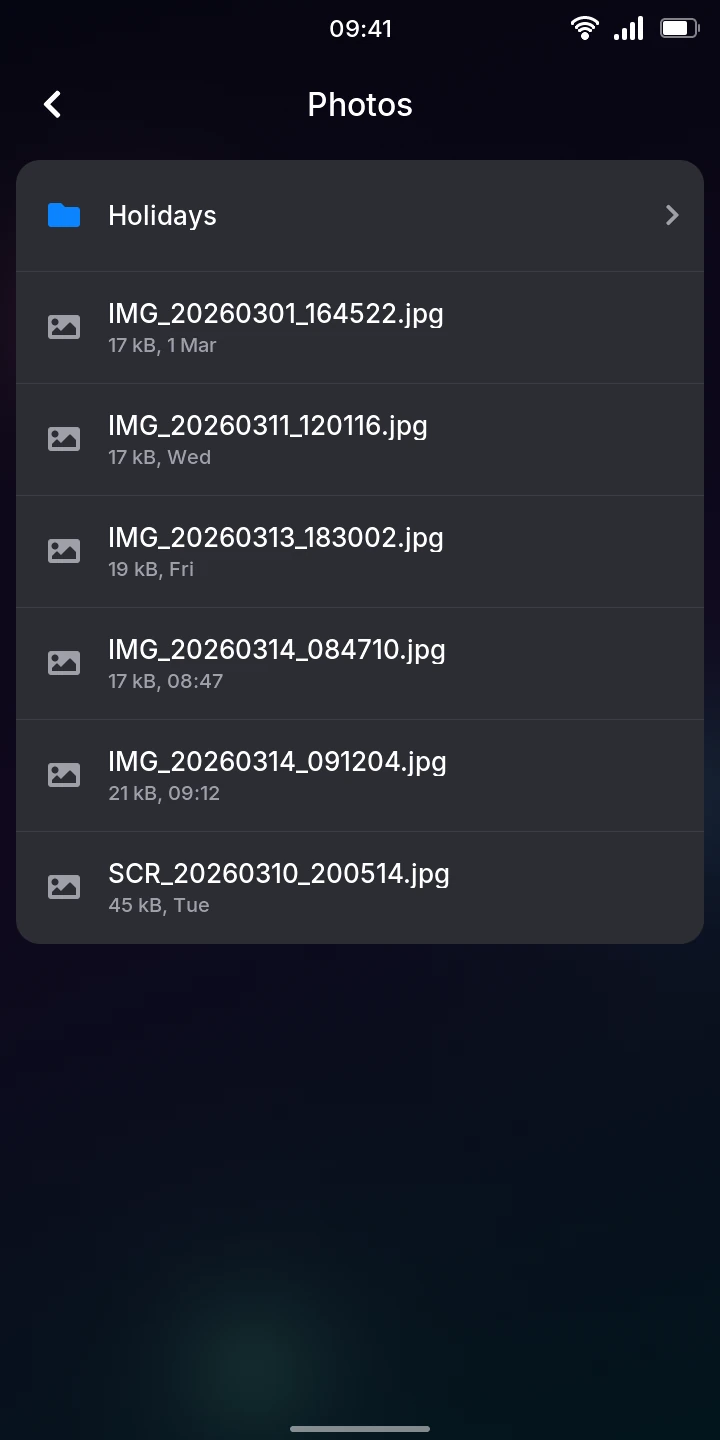
In All files, what the apps save is in var › lib, a folder each; the rest of the phone is the system itself.
A folder with nothing in it says Empty folder; one you are not allowed to look into says Cannot open this folder. A folder shows all its entries, however many: even the system's largest open at once.
A file's details
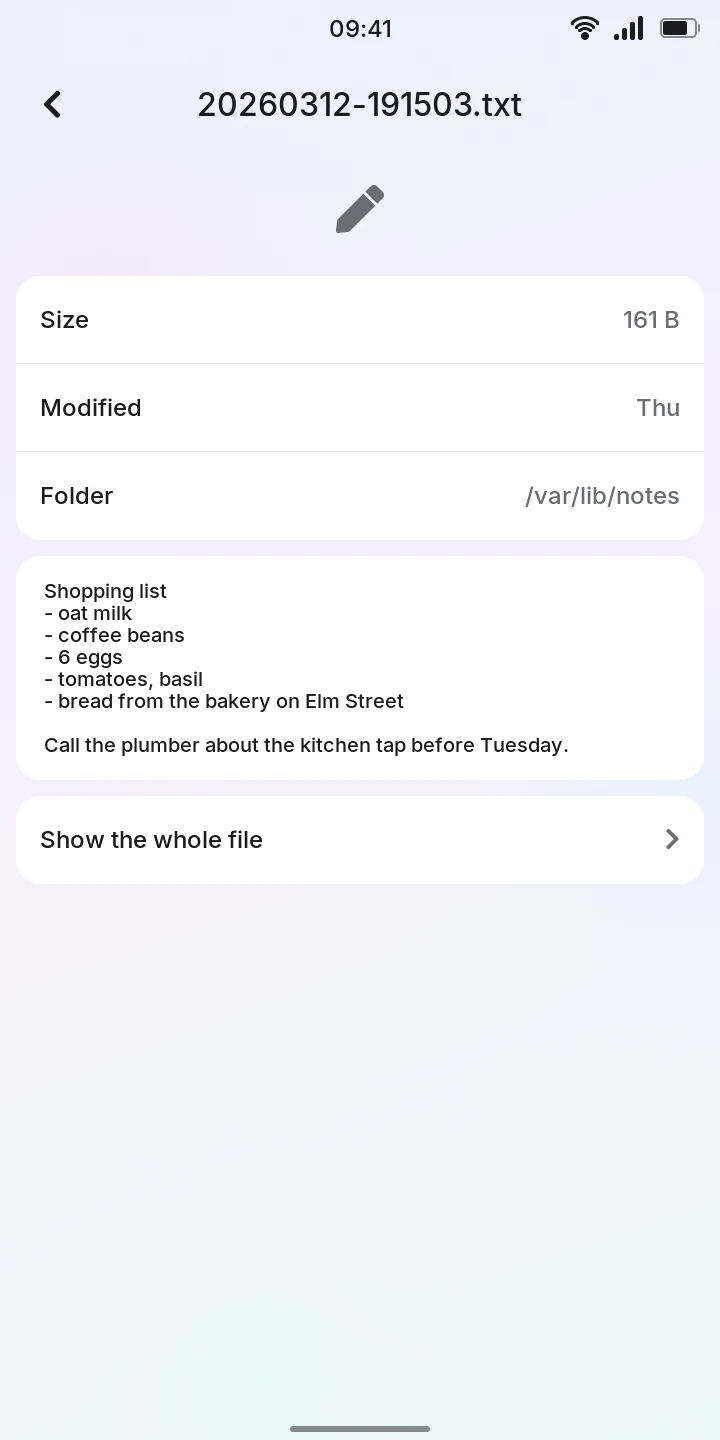
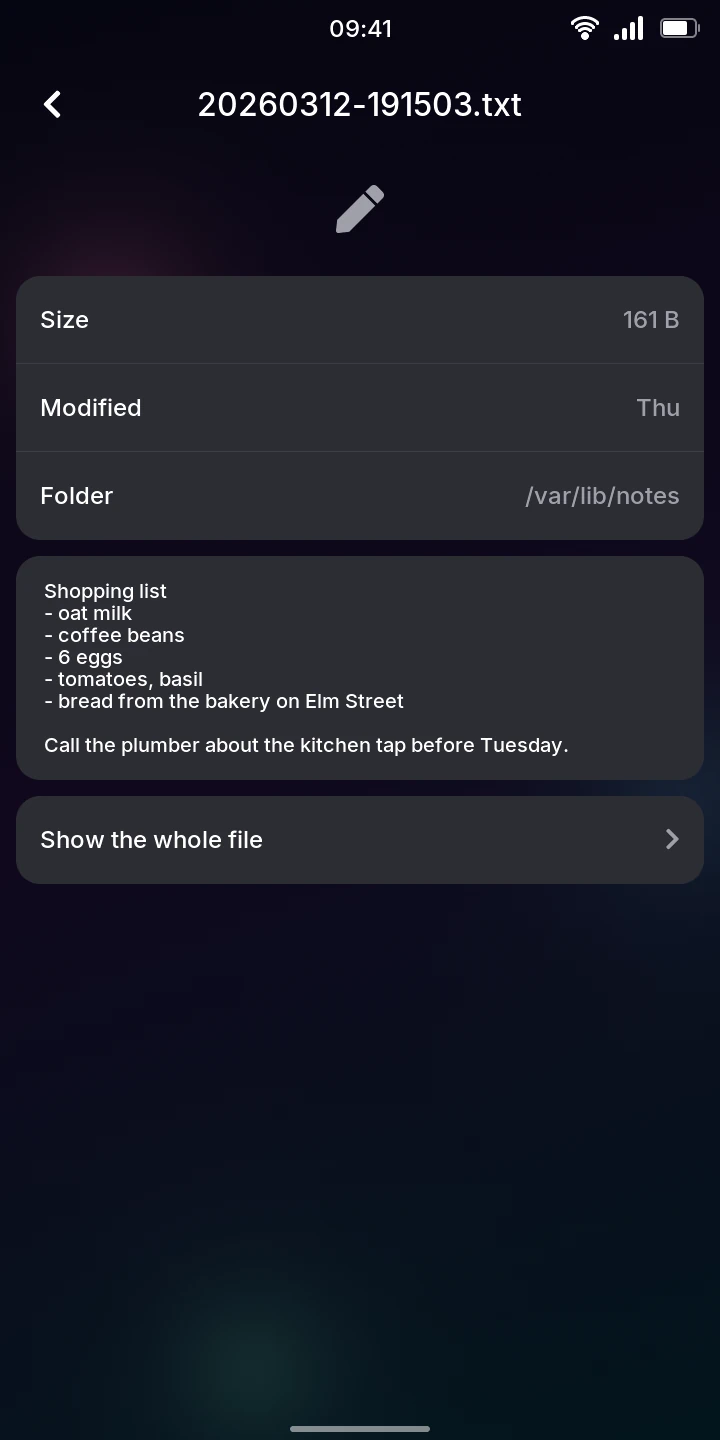
Tap a file. Its screen shows:
- Size, Modified (as they are now) and Folder, the folder it is in;
- for a text file, the start of it: up to 40 lines, or about 2,000 characters.
Reading a whole text file
Under a text file's start, tap Show the whole file. It opens on a screen of its own, from its first line, in a font where every character is as wide as the others; a line too long for the screen goes on in the next ones. Scroll through it as through any list; even a file of several megabytes opens at once (of a larger one, its last 4 MB).
A log in Logs opens this way at once, at its end, where the latest lines are. While you are at the end, lines the phone adds appear as they are written, about once a second. Scroll up to read and it stays where you are; scroll back down to the end and it follows again.