Compass
Compass shows which way the phone points, from its magnetic sensor. It works anywhere, without a network or GPS.
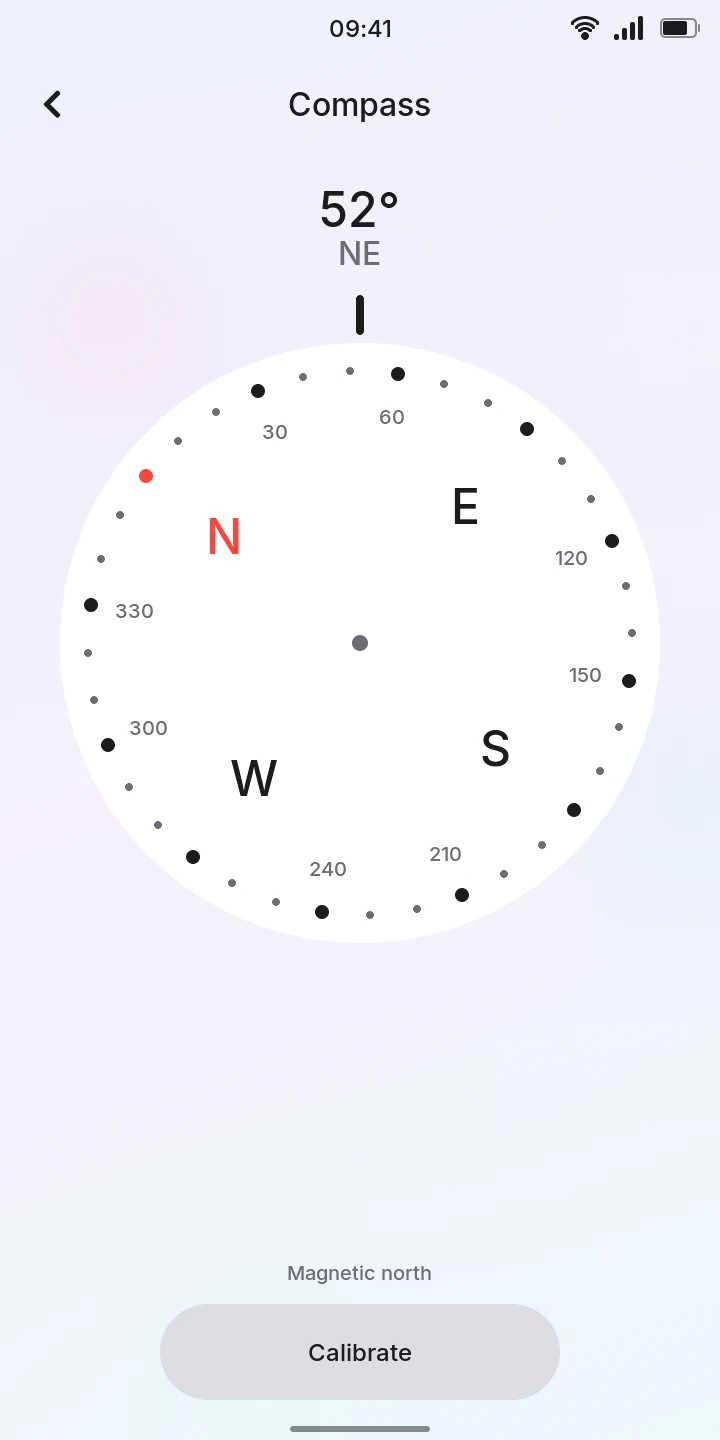
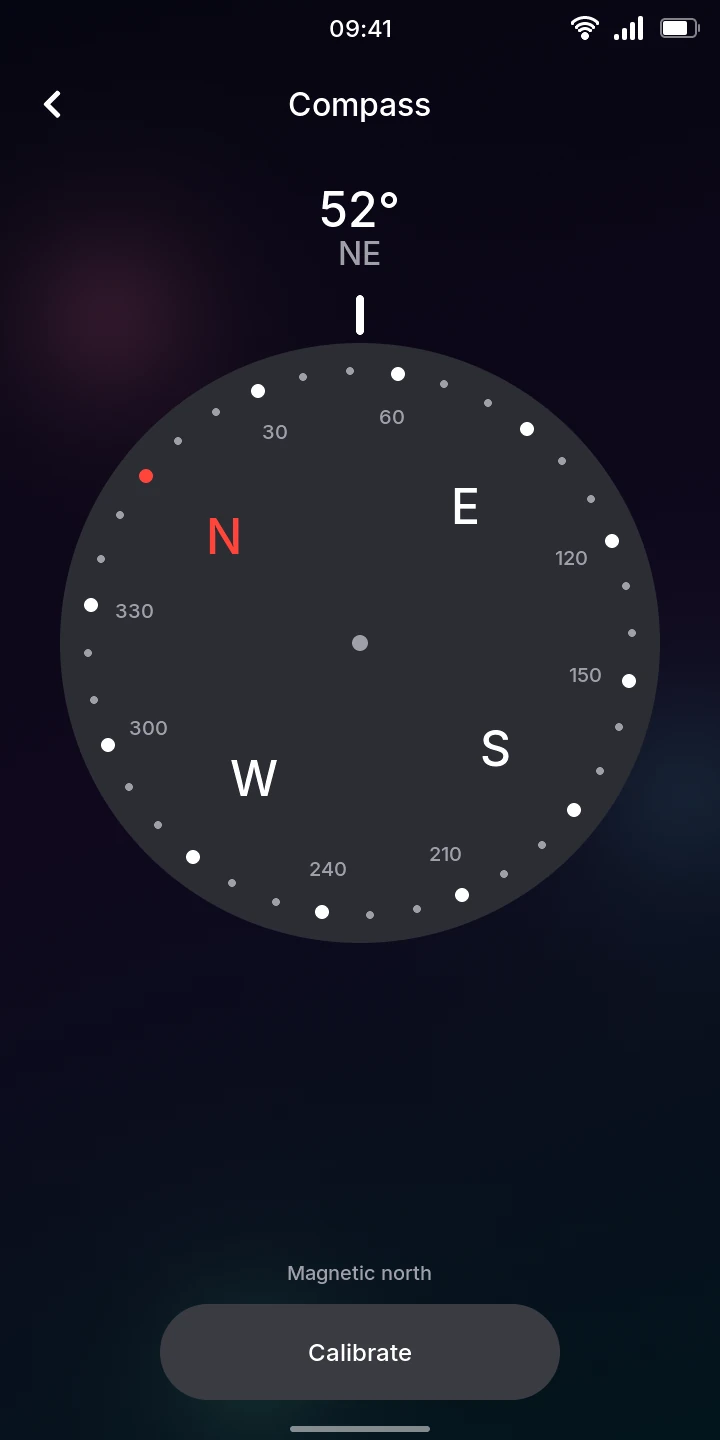
Find a direction
- Open Compass.
- Hold the phone flat, screen up, and point its top edge where you want to go.
- Read the heading at the top, in degrees and as a direction (N, NE, E…). The dial turns so that the direction the phone points is under the mark above it; the red N is north.
You can also hold the phone upright, screen facing you, as when taking a photo: the heading is then the direction the back of the phone faces. When the top edge points straight up or down there is no heading and the screen shows --.
The heading is to magnetic north, which can differ from true north (the north of a map) by a few degrees, more in some parts of the world.
Calibrate
The phone has a magnetic field of its own, which throws the compass off until it is calibrated. Until then the screen says Not calibrated: the heading may be far off. You calibrate once; the phone remembers it.
- Move away from metal, magnets and electrical appliances.
- Tap Calibrate. The dial is replaced by a tray with a ball and eight circles.
- Tilt the phone to roll the ball into the blue circle. The ball rolls to the lowest part of the screen: the four inner circles are reached with a corner of the phone tilted down, screen up; the four outer ones with the screen tilted past upright, towards the ground. Each circle you fill turns green with a check, and the phone vibrates briefly.
- Keep going until all eight are filled (8 of 8), then keep turning the phone slowly in every direction until the bar below is full.
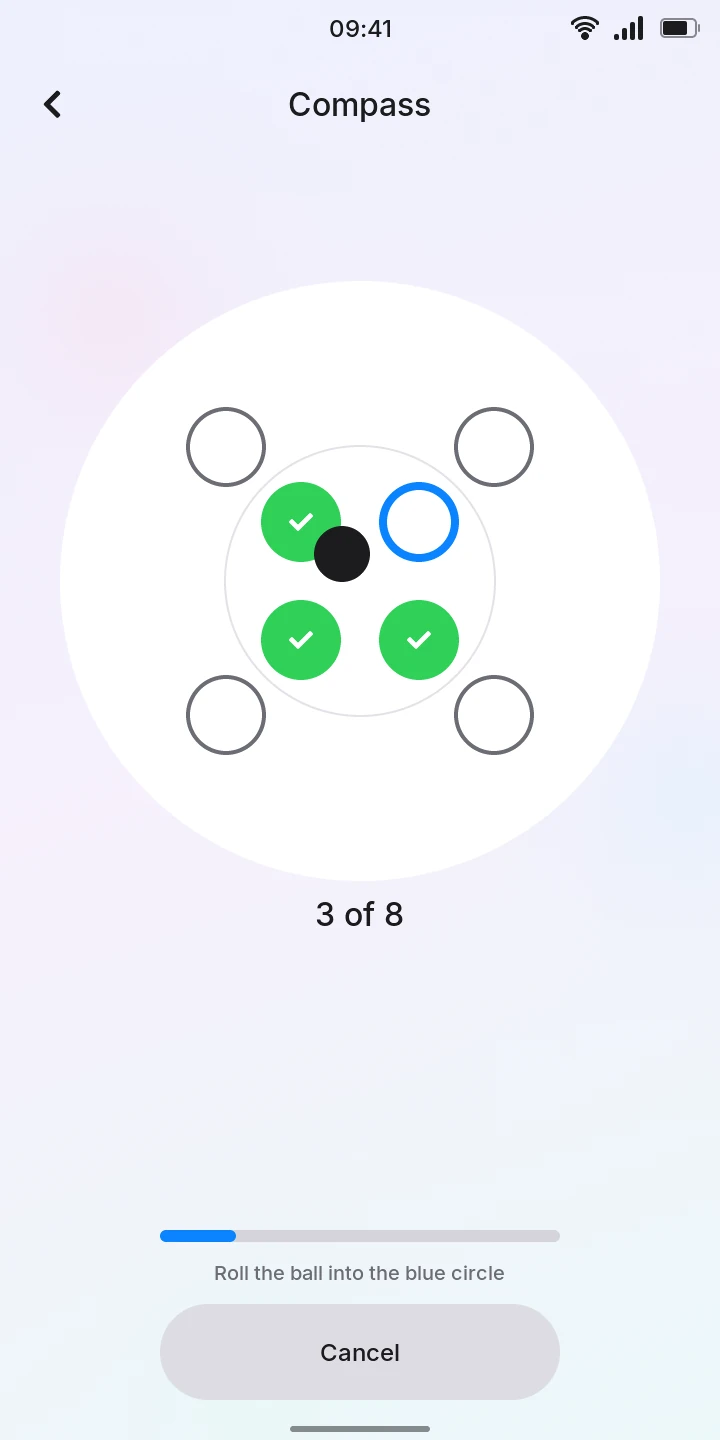
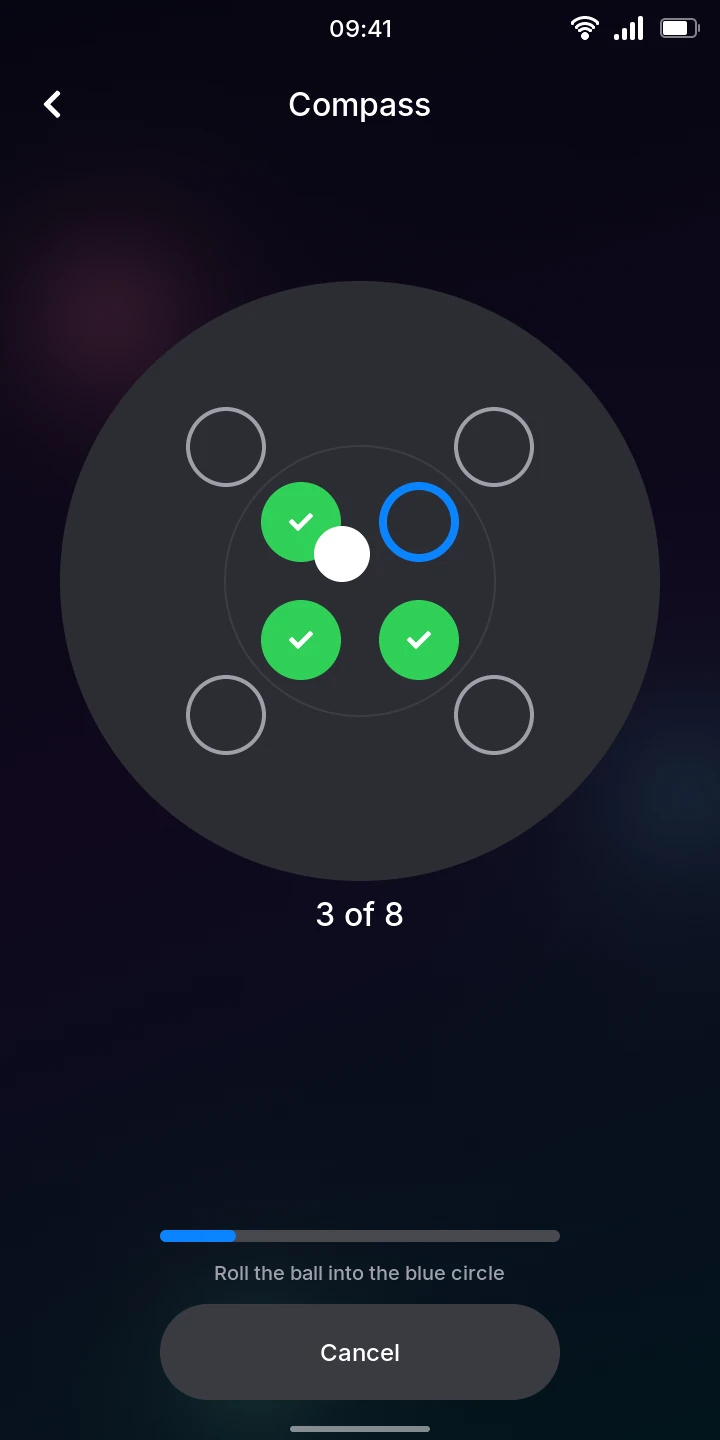
Calibration takes at least 8 seconds. When it is done, the phone vibrates, the dial comes back and the hint says Magnetic north. Tap Cancel to stop without changing the calibration.
If it does not finish, the hint says why:
- Keep turning, round in every direction: the phone has not been turned enough ways.
- Disturbed: move away from metal and magnets: the readings do not agree with each other, usually because of metal nearby.
If no good calibration comes after a minute, it starts over by itself.
Calibrate again if the heading looks wrong, for example after putting the phone in a case with a magnetic clasp.
Note
The compass needs the phone's motion and magnetic sensors. If one of them does not work, Compass shows No accelerometer, No magnetometer or No sensor trigger instead of the dial.