Weather
Weather shows the conditions now, the next 24 hours and the next 10 days for one place of your choice. Forecasts come from Open-Meteo, a free service that needs no account. The phone needs internet (Wi-Fi or mobile data) to get them.
Choosing a place
The first time you open Weather, it shows No place chosen.
- Open Weather from the menu.
- Tap Choose a place (later, to change it, tap the location arrow at the top right).
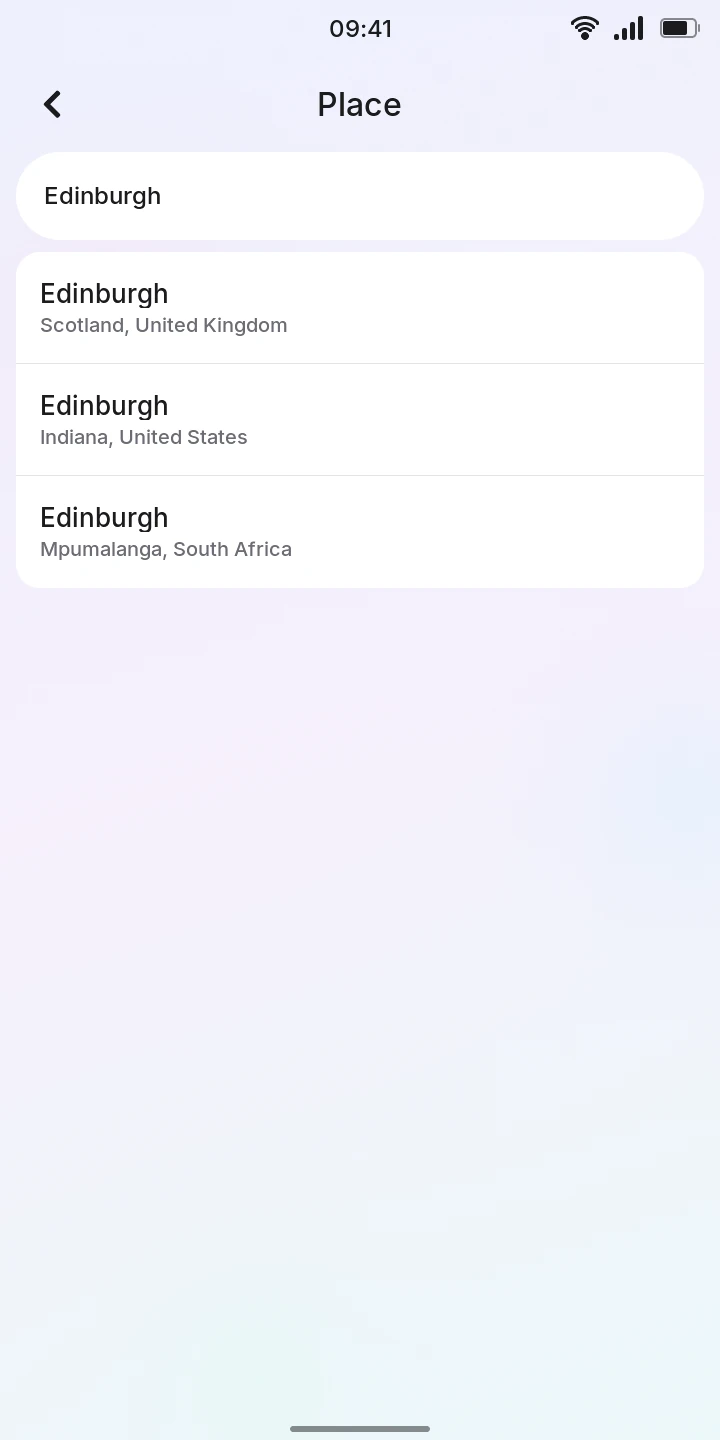
- Type the name of a city in the City field and press Enter on the keyboard.
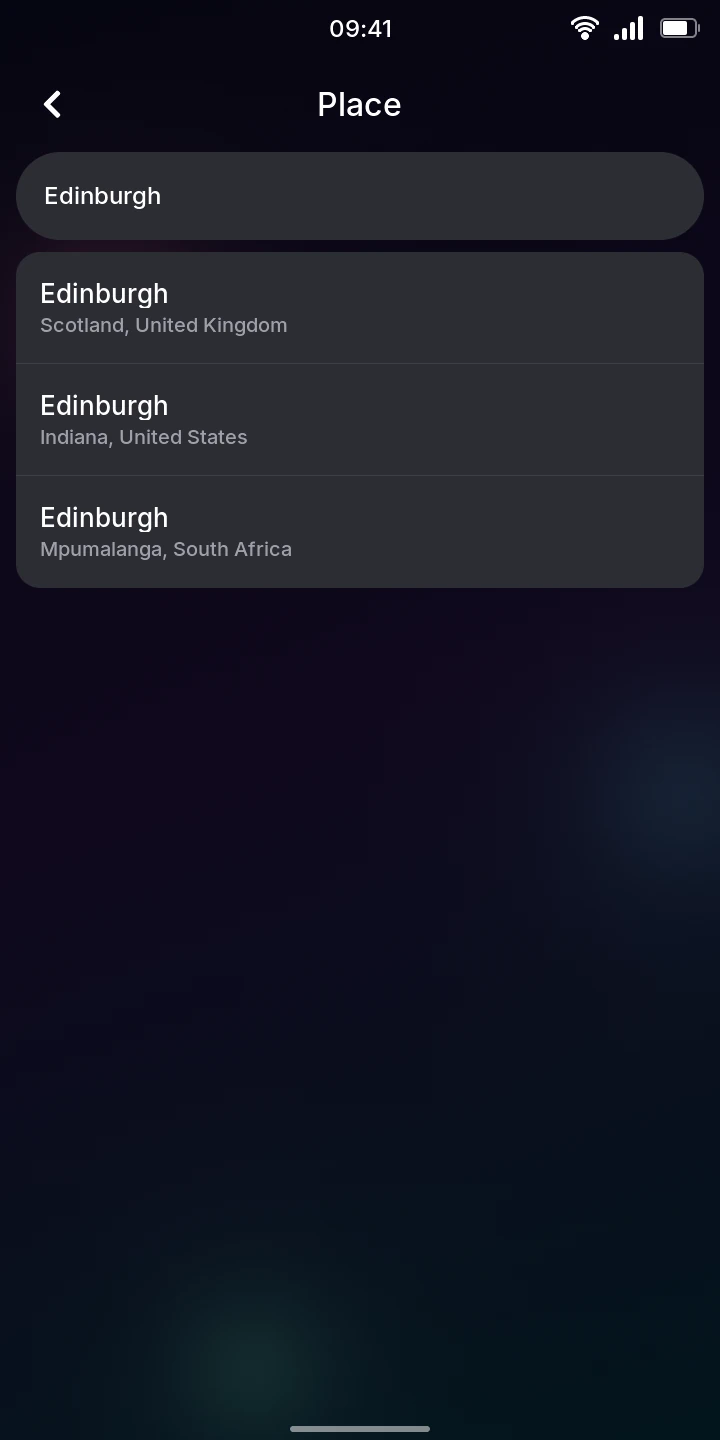
- Tap the right one in the list: each result shows its region and country below the name, so you can tell apart places with the same name. Names come in the phone's language when the forecast service has them, for example București in Romanian.
Weather fetches the forecast for that place right away and remembers it. It shows one place at a time: choosing another replaces it.
If nothing matches, the list says No places found; without internet, No internet connection.
Reading the forecast
From top to bottom:
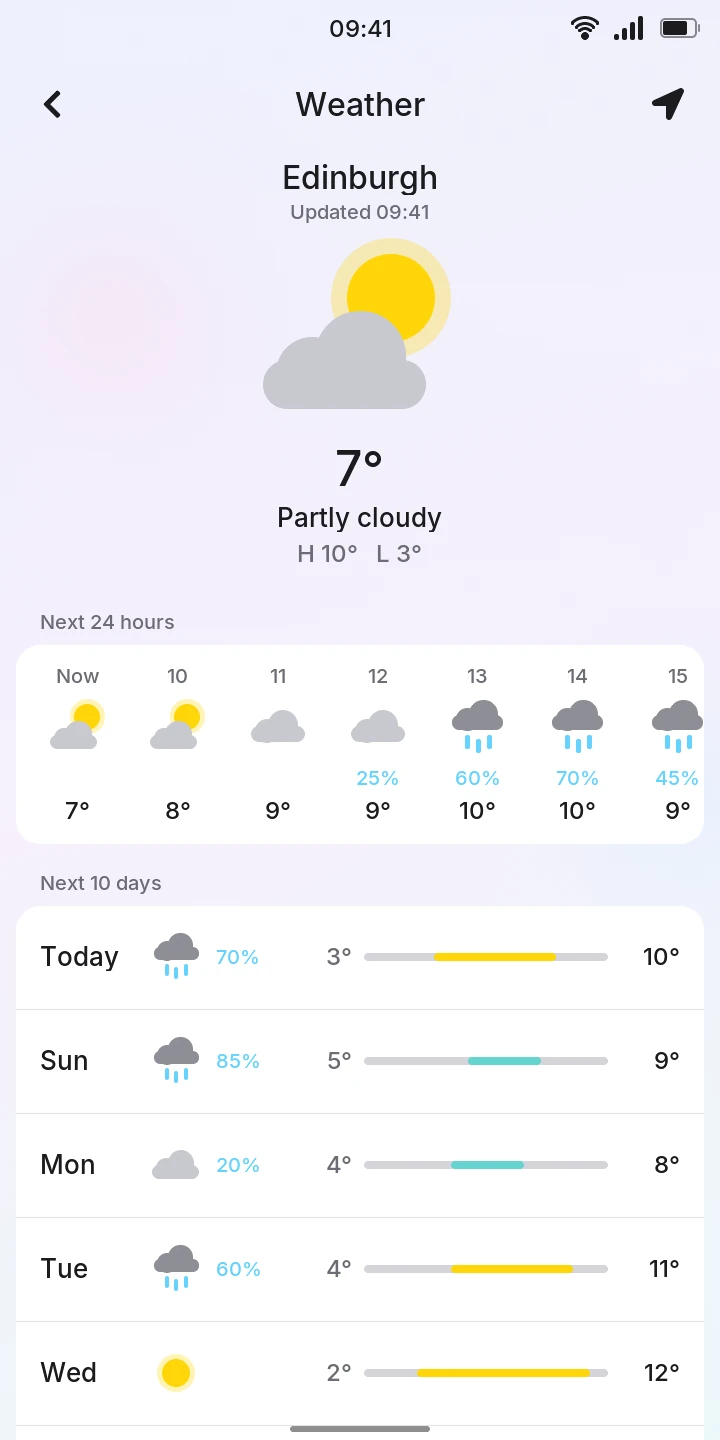
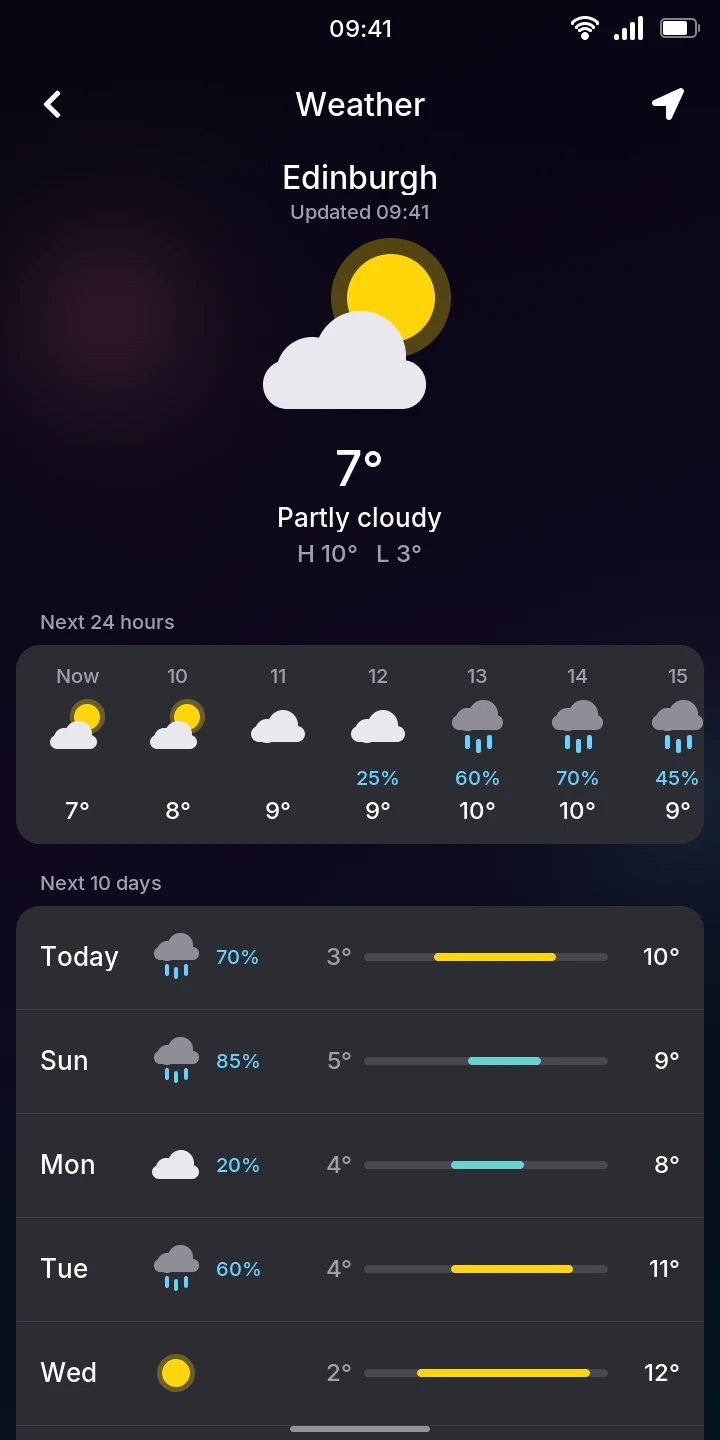
- The place and when the forecast was fetched (Updated 09:41), then the sky now as a picture, the temperature, a description (Partly cloudy, Light rain…) and today's highest and lowest temperatures (H and L).
- Next 24 hours: one column per hour, starting with Now. Swipe it sideways for the later hours. Each shows the sky, the temperature and, when it is 20% or more, the chance of rain in blue.
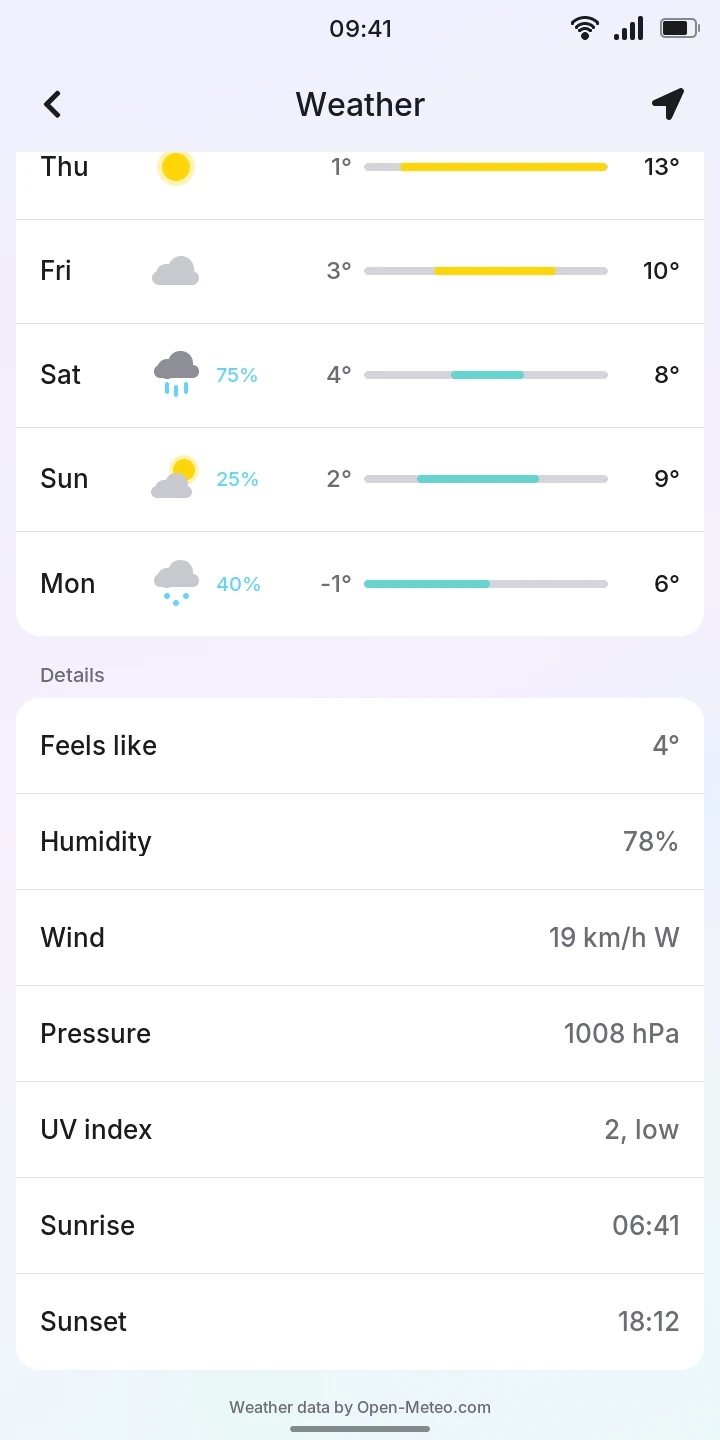
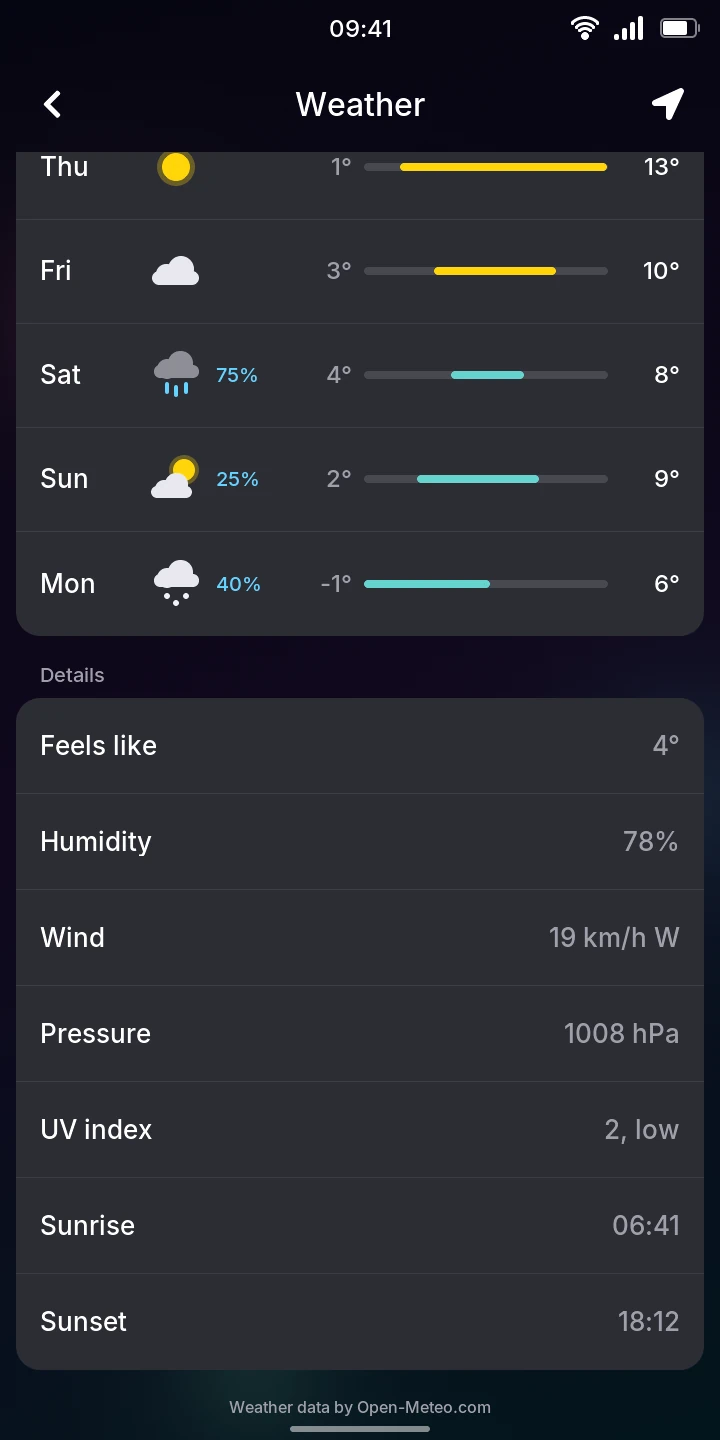
- Next 10 days: Today, then the days of the week, each with its sky, the chance of rain (from 20%), the lowest and highest temperatures, and a bar between them. All the bars share one scale, from the coldest night to the warmest day of the ten, so you can compare the days at a glance; the bar's color goes from blue (below freezing) to red (hot).
- Details for now: Feels like, Humidity, Wind (speed and the direction it comes from), Pressure, today's UV index (from low to extreme), Sunrise and Sunset.
Temperatures are in degrees Celsius, wind in km/h and pressure in hPa. All times are the place's own local time, even when it is in another time zone than the phone.
Updating
Weather fetches a new forecast when you open it if the one it has is more than 30 minutes old. To fetch one now, pull the forecast down from its top and let go once the circle turns blue; Updating… shows meanwhile.
The last forecast stays on the phone: without internet, Weather still shows it, with No connection, updated and when it was fetched (the time, or the day for an older one). Without any forecast yet, it says No internet connection.
Limitations
- One place only, chosen by name: Weather does not use the phone's location.
- No weather alerts or notifications; the forecast only changes while Weather is open.