Recorder
Recorder records voice memos with the phone's microphone and plays them back.
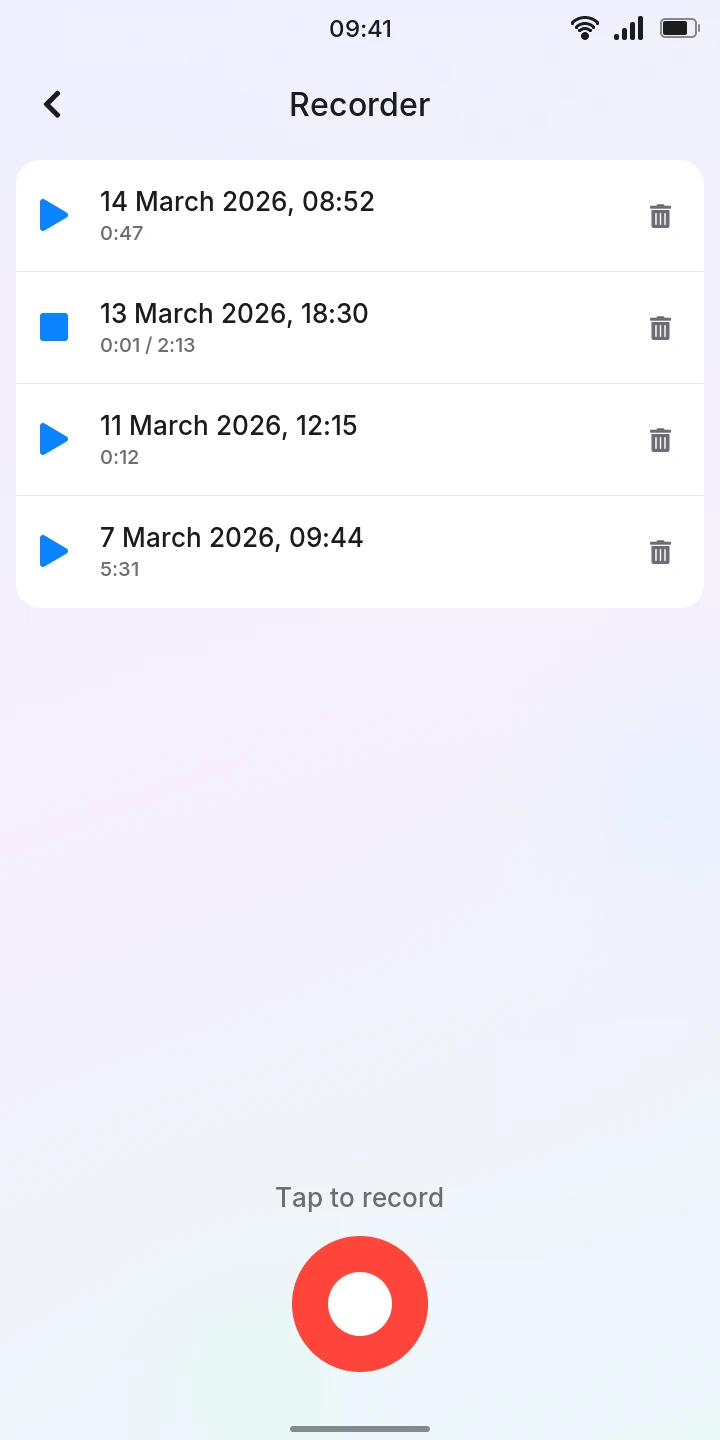
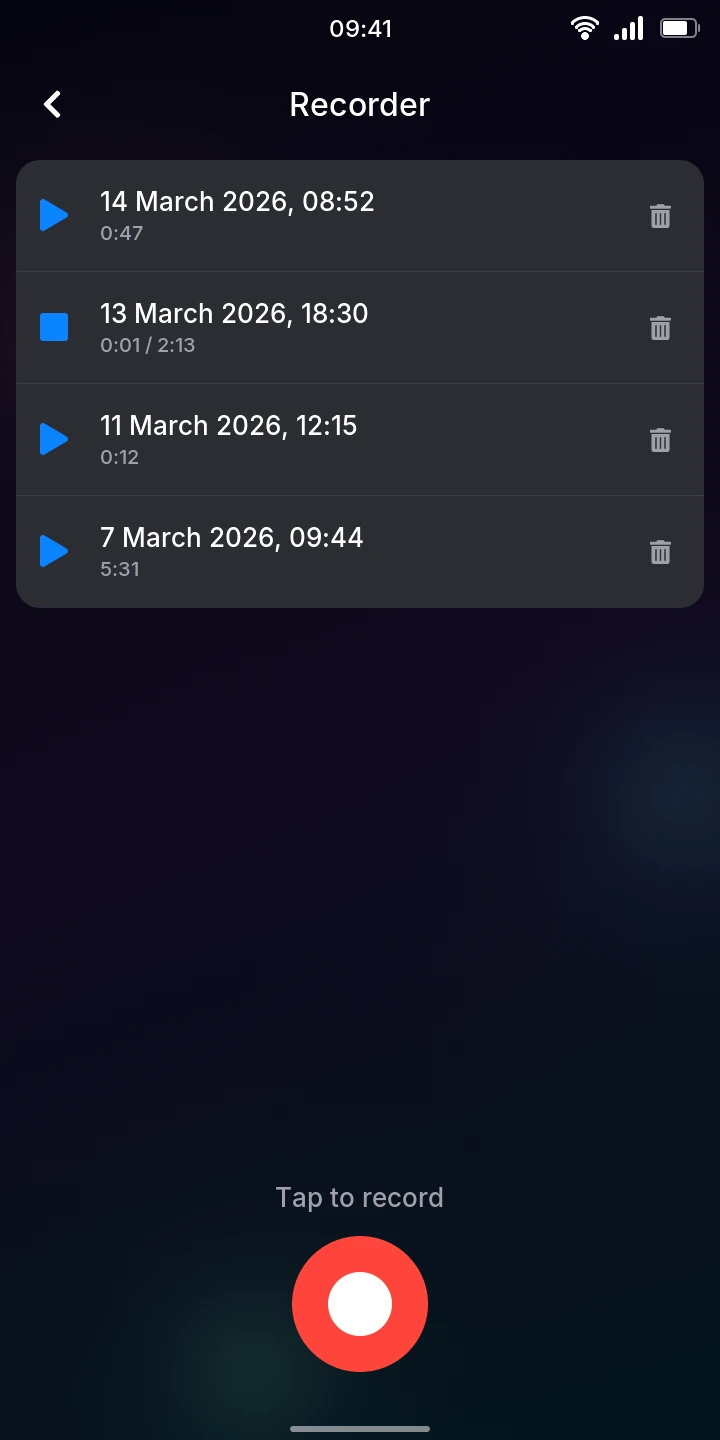
Open Recorder from the menu (under Tools). Your recordings are listed at the top, newest first, each named after the day and time it was started, with its length. With none yet, the list says No recordings. The red round button is at the bottom.
Recording a memo
- Tap the red round button (Tap to record is written above it). The white dot in it turns into a square.
- Speak. The time recorded counts up, and the red bar under it shows how loud the sound is: if it hardly moves, come closer.
- Tap the button again to stop. The recording is saved and shows at the top of the list.
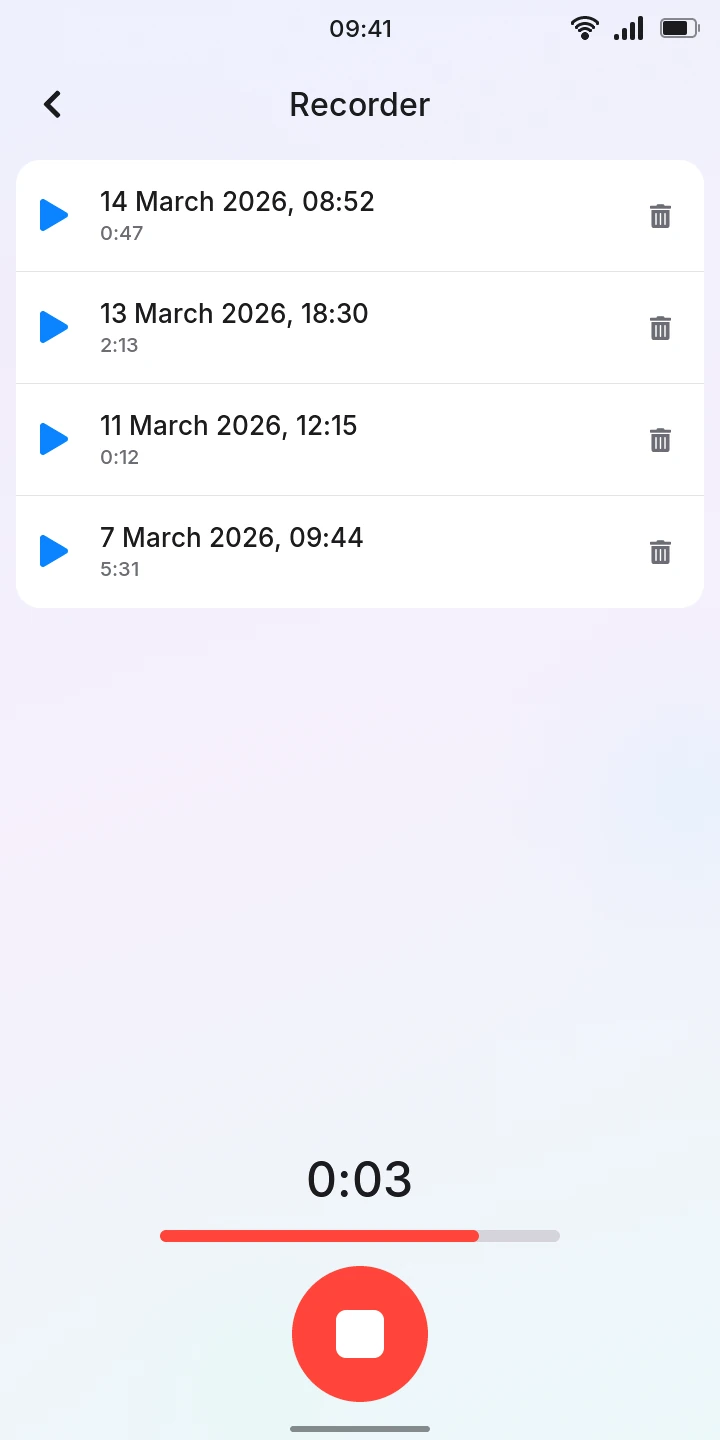
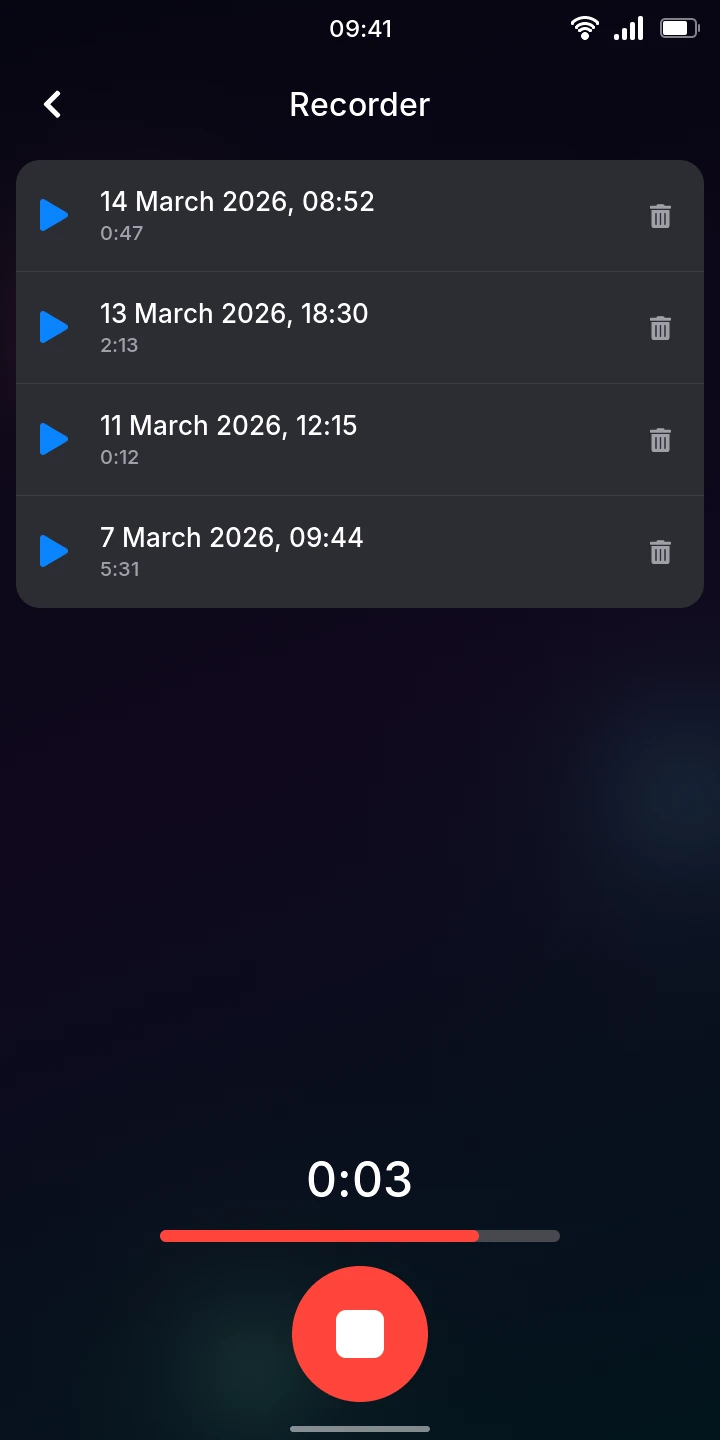
A recording shorter than half a second is not kept (a tap by mistake). Leaving the app while recording stops the recording and keeps what was recorded.
If No microphone shows instead of the time, the microphone could not be opened, and nothing is recorded.
Listening to a memo
- Tap a recording in the list. It plays; its play symbol turns into a square and the time shows how far it is (0:01 / 2:13).
- Tap it again to stop. It also stops at the end, when you start another recording or playback, and when you leave the app.
Deleting a memo
- Tap the trash can at the right of the recording.
- Tap Delete in the bar that appears, or Cancel to keep it.
The recording is deleted at once; it cannot be brought back. While recording, the list cannot be used: stop first.
Good to know
- Recordings are uncompressed, in mono: a minute takes about 5.8 MB of the phone's storage. They are in the folder /var/lib/memos, which you can browse in Files.
- Recordings cannot be renamed, shared, paused and resumed, or played from a point in the middle.