Calculator
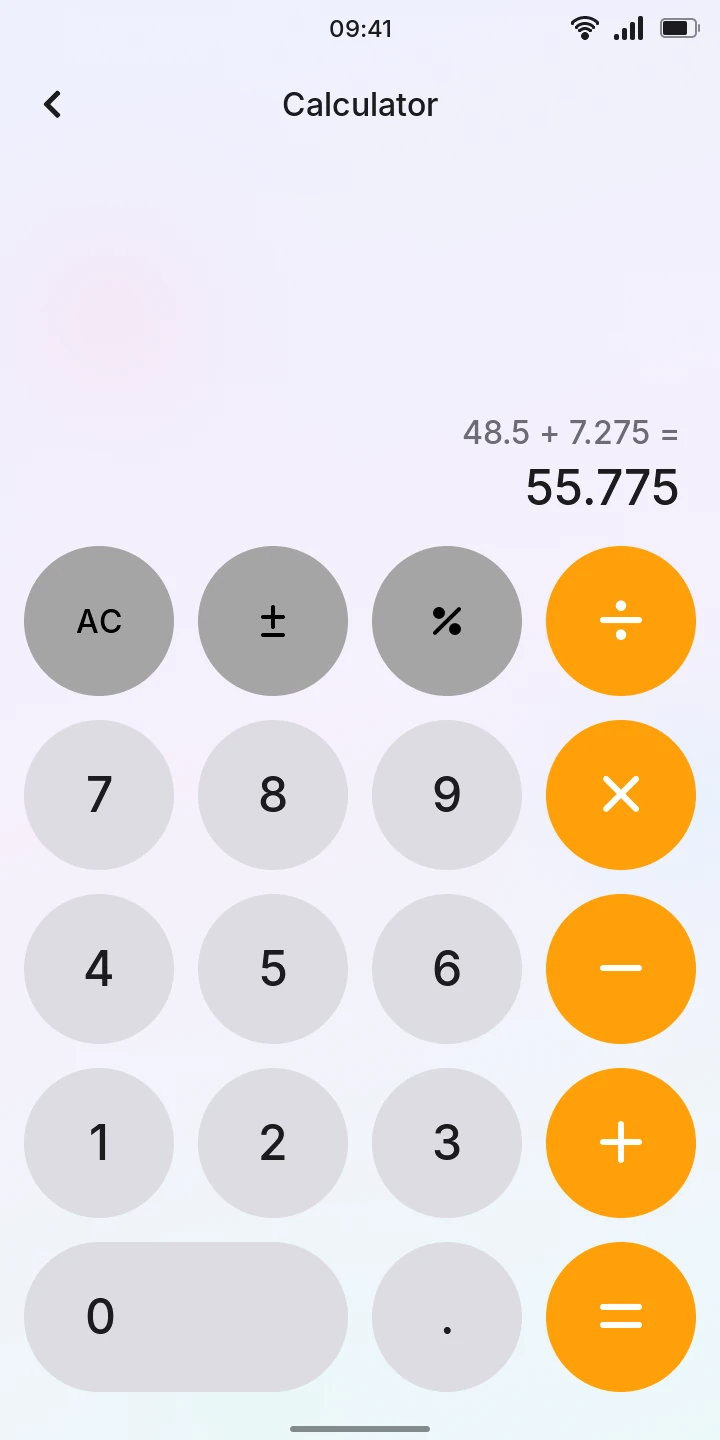
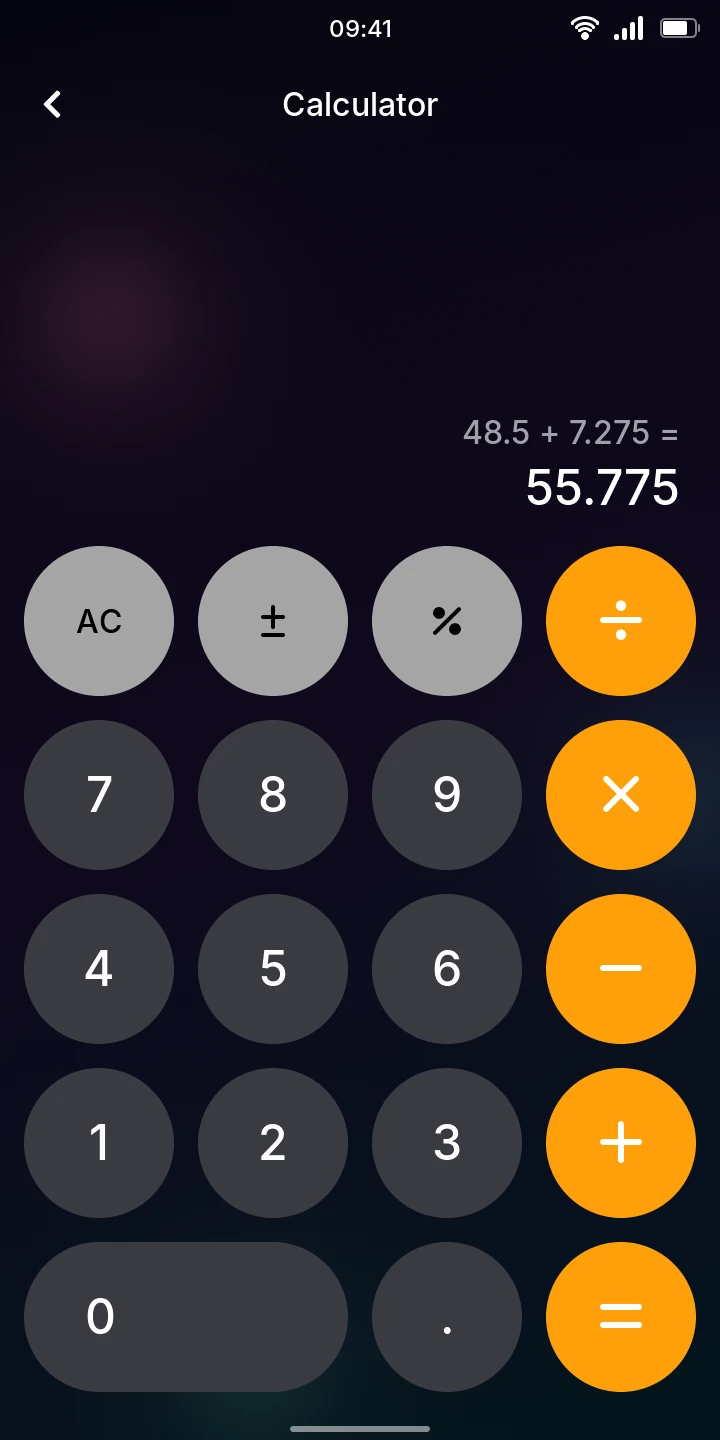
Calculator adds, subtracts, multiplies and divides, like a pocket calculator.
Calculate
- Type the first number with the digit keys and . for decimals.
- Tap an operation: ÷, ×, − or + (the orange keys). It turns white while it waits for the next number.
- Type the second number.
- Tap =. The result shows in large digits, the calculation above it in grey.
To go on from the result, tap another operation. To start a new calculation, just type a number.
Operations are done in the order you type them, as on a pocket calculator: 2 + 3 × 4 gives 20, not 14. Tap = again to repeat the last operation: 5 + 2 = = gives 9.
The other keys
- AC
- Clears everything and starts over.
- C
- Shown instead of AC while you type a number: clears only that number, so you can type it again without losing the calculation.
- Changes the sign of the number shown.
- Turns the number into a percentage. After + or −, it is that percent of the first number, which is handy for tips and discounts. To add a 15% tip to 48.50, type 48.5 + 15 =: the result is 55.775. In other cases it divides by 100.
Limits
- You can type numbers of up to 12 digits. Results show up to 10 significant digits, with
commas between thousands; very large or very small results are shown with an exponent
(
1.5e+20). - Dividing by zero, or a result too large to compute, shows Error. Type a number or tap AC to start again.
- There is no history, and the calculation is cleared when you leave the app.