Messages
Messages sends and receives text messages (SMS) with your SIM card. Open it from the dock at the bottom of the home screen, or from the menu under Essentials.
Your conversations
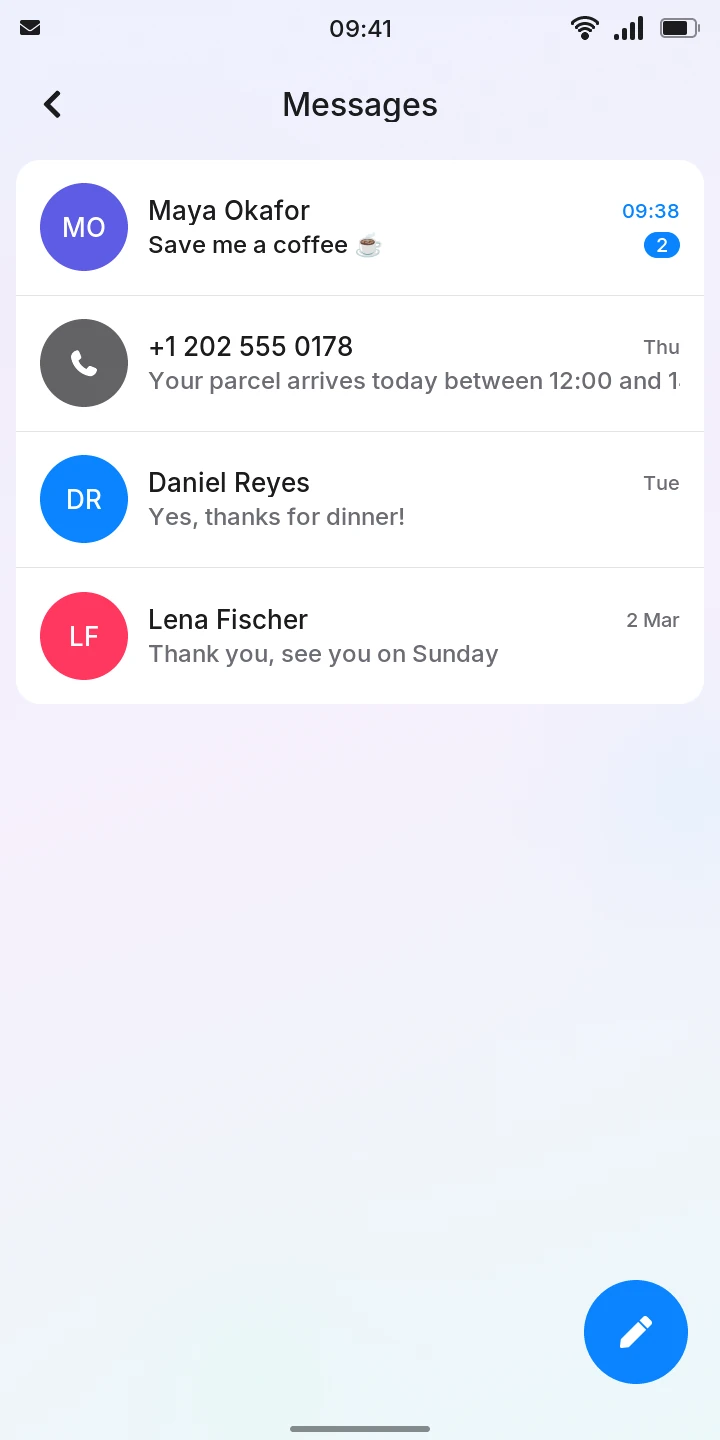
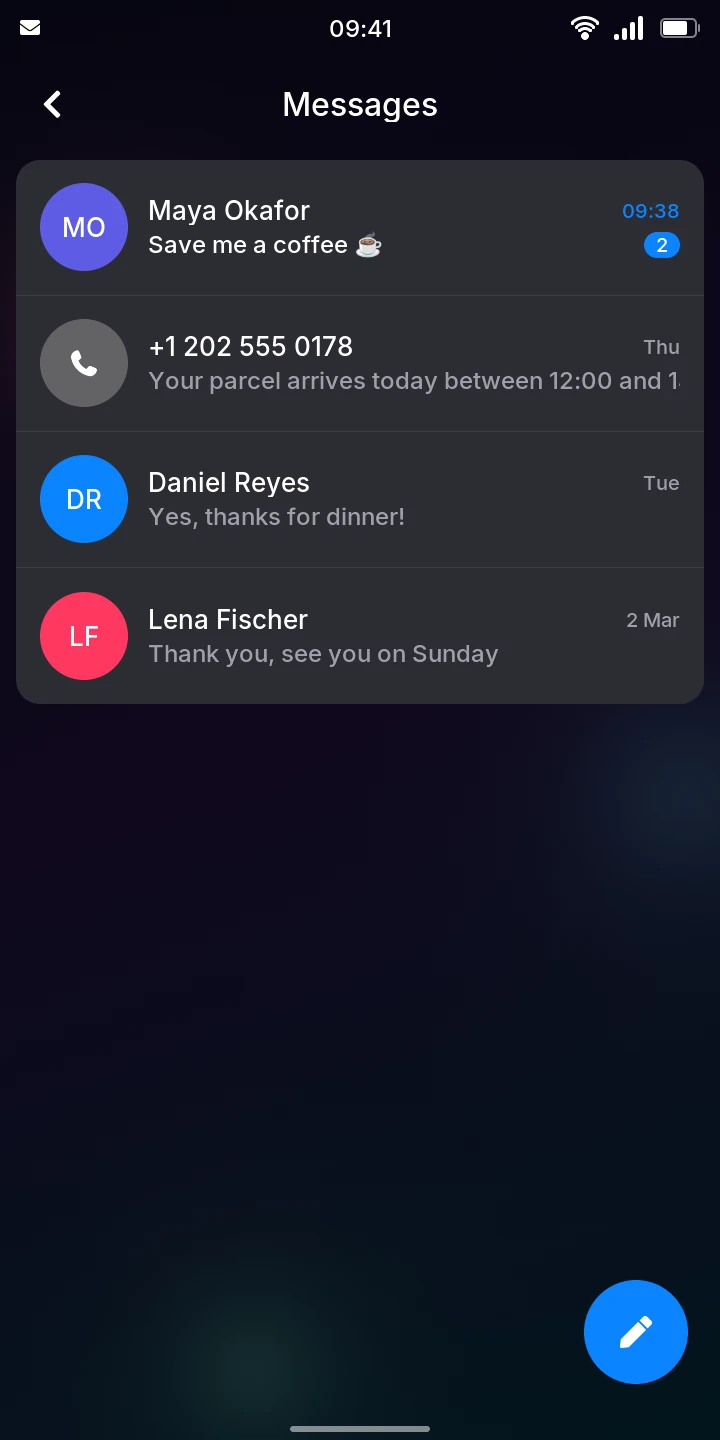
Messages opens on your conversations, the most recent first. Each shows the name of the contact (or the number, for someone not in your contacts), the last message and when it came: the time today, Yesterday, the day of the week for the last few days, the date before that.
A conversation with messages you have not read yet has their count in a blue badge, its last message in white and its time in blue. The count goes away once you open it.
Read and reply
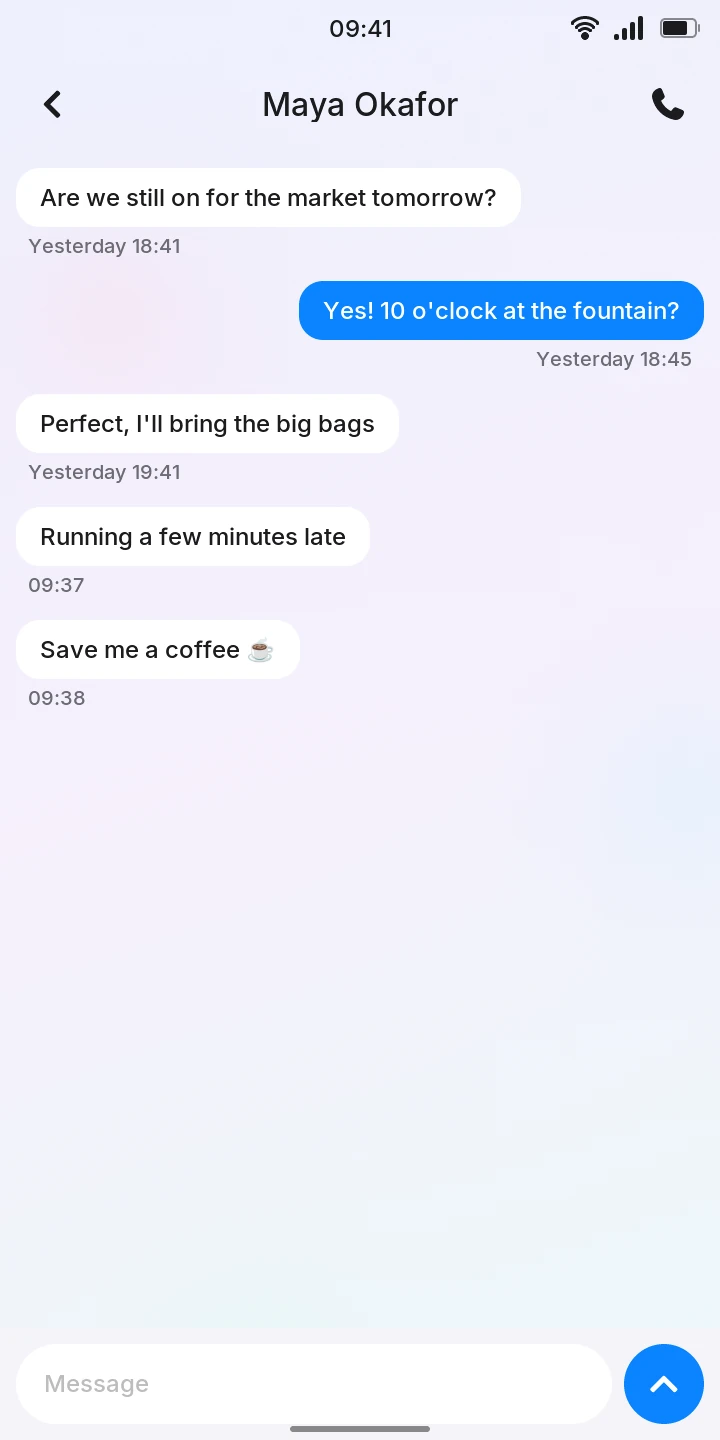
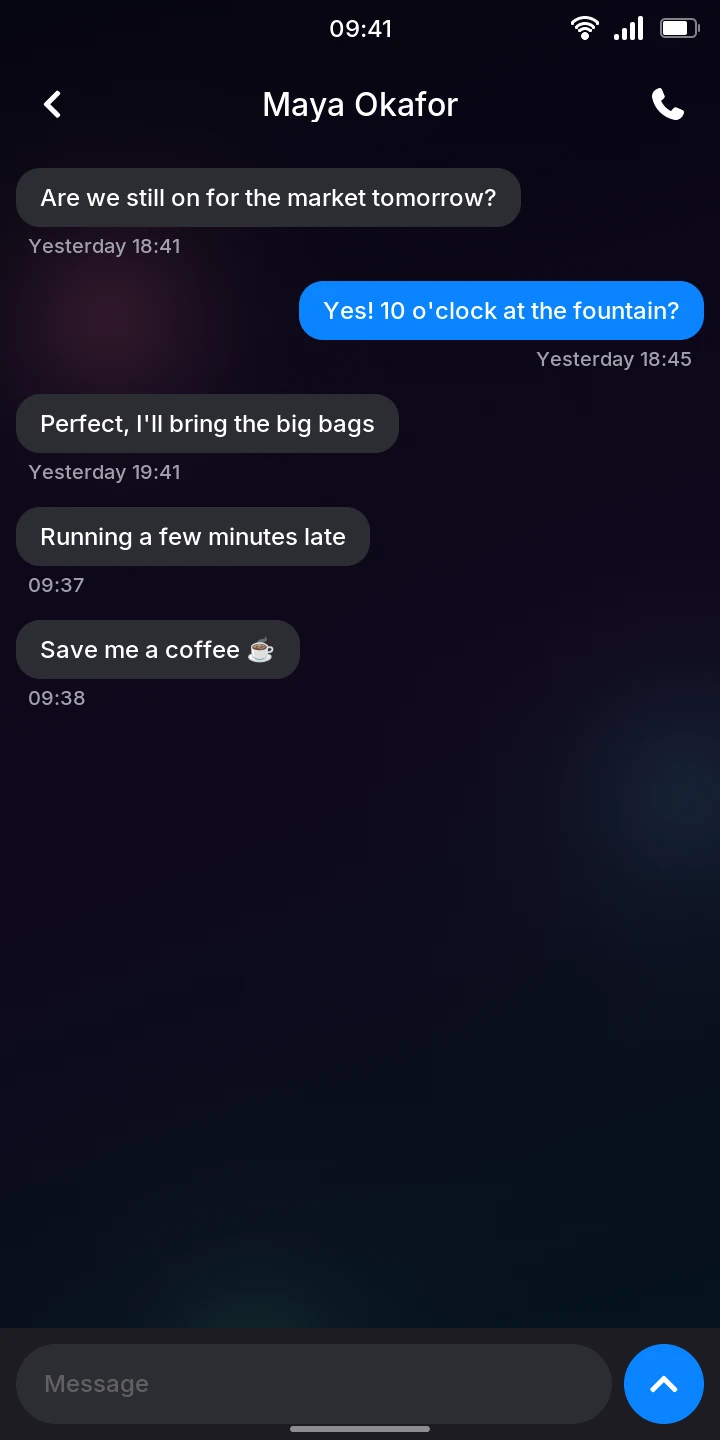
- Tap a conversation. Their messages are on the left in gray, yours on the right in blue, with the time under each group.
- Tap Message at the bottom. The keyboard opens.
- Type your message. The emoji key on the keyboard (😀) opens the emoji. The field grows with a long message, up to five lines; past that it scrolls.
- Tap the blue send button, or the keyboard's Enter key, to send it.
The message shows Sending... under it until the network has taken it, then its time. A message can be up to 480 characters long; long ones go out in several parts, which the other phone puts together.
To call the person instead, tap the phone button at the top right.
Write to someone new
- Tap the round button at the bottom right of the conversations. Your contacts open.
- Tap the person.
- Tap Message.
- Type and send your message as above.
You can only start a conversation with someone in your contacts: to write to a new number, add it in Contacts first. Someone who writes to you gets a conversation of their own, under their number, and you can answer there.
Receive messages
New messages appear in the conversations, and in the conversation if you have it open, as they arrive; the phone vibrates. Unless you are in that conversation, a banner with the message slides down from the top for a few seconds, over the lock screen too; tap it to open the conversation. Until you open it, they are also listed on the lock screen and in the quick settings (see Notifications). Messages that came while the phone was off show up once it has started. Messages from a service rather than a number show its name (your operator, for example).
Received messages are kept on the phone (and removed from the SIM card), across restarts and updates of the firmware.
When a message is not sent
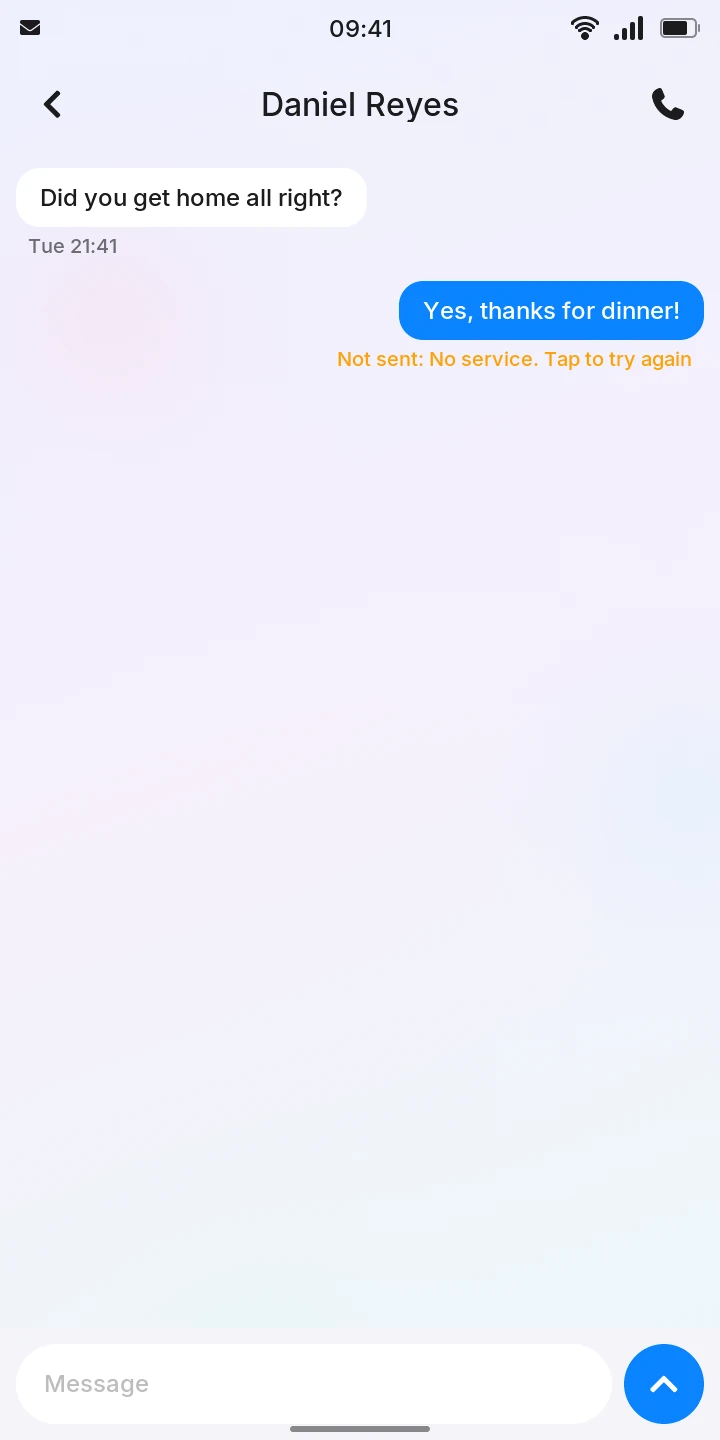
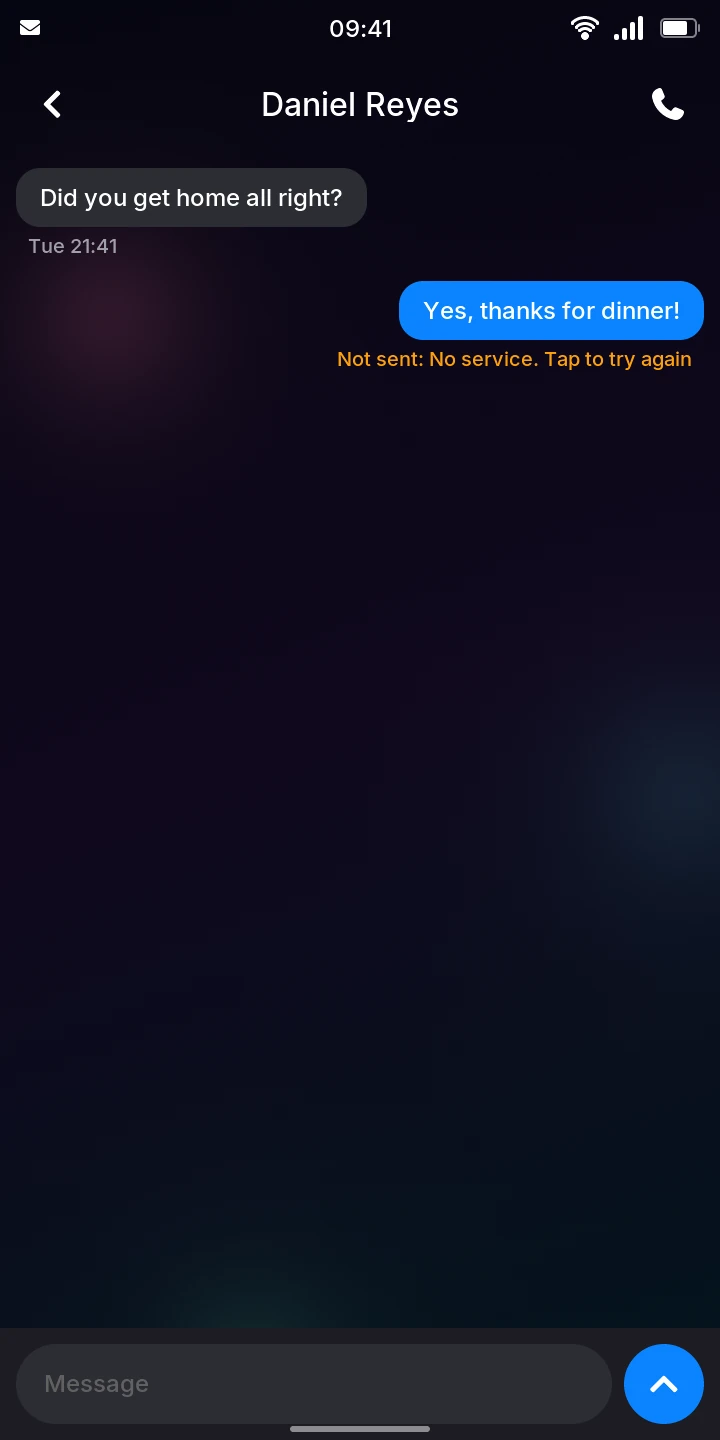
When a message cannot be sent, it says why in orange under it, for example Not sent: No service. Tap to try again (no network) or Not sent: No SIM card. To send it again once the problem is solved, tap the message.
Limitations
- There is no notification yet outside Messages: the phone only vibrates when a message arrives.
- Messages and conversations cannot be deleted yet.
- Only text: picture messages (MMS) are not supported.