Clock
Clock shows the time here and in a few other cities, and has an alarm, a stopwatch and a countdown timer. The bar at the bottom switches between its four pages: Clock, Alarm, Stopwatch and Timer.
Time and world clocks
The Clock page shows the time with its seconds, the date and your time zone. Below it, World clock lists New York, London, Tokyo and Sydney with their time, whether it is already tomorrow or still yesterday there, and how many hours they are ahead or behind you. Summer time is taken into account in each city.
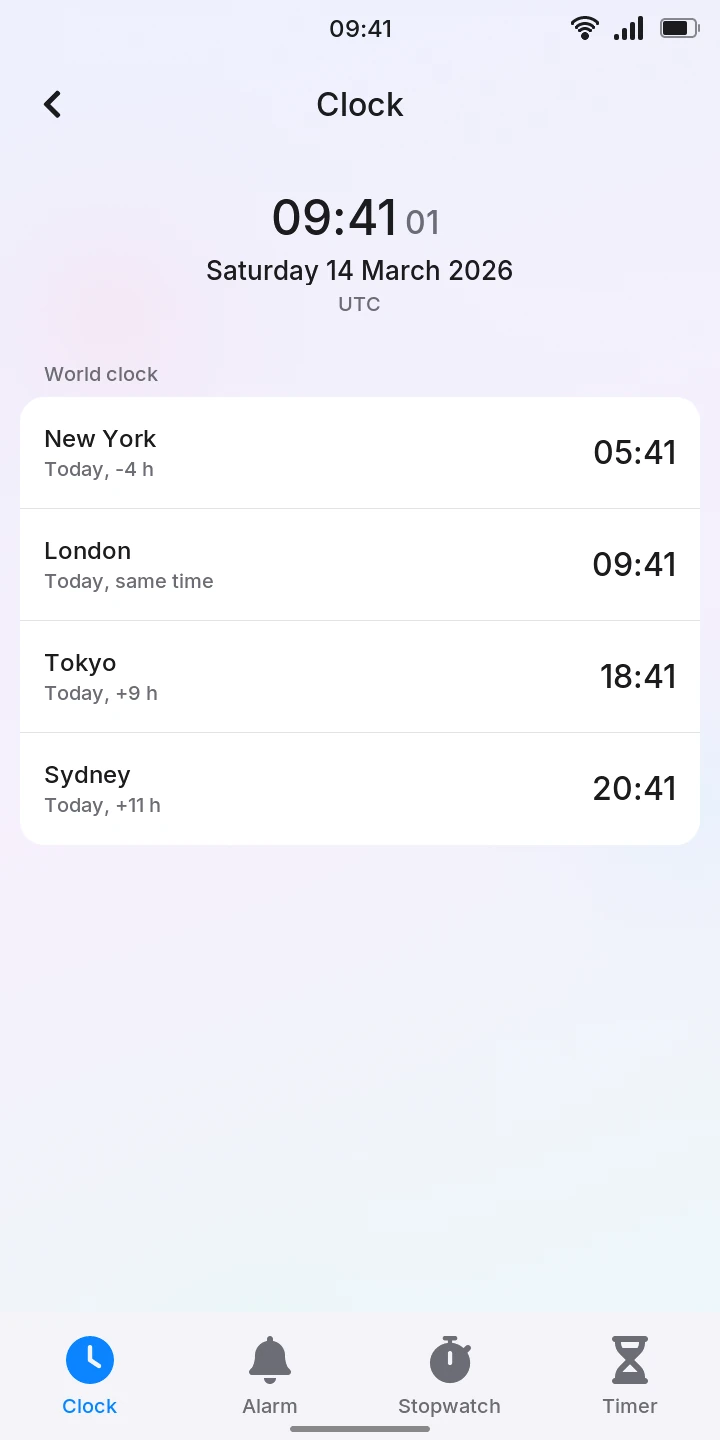
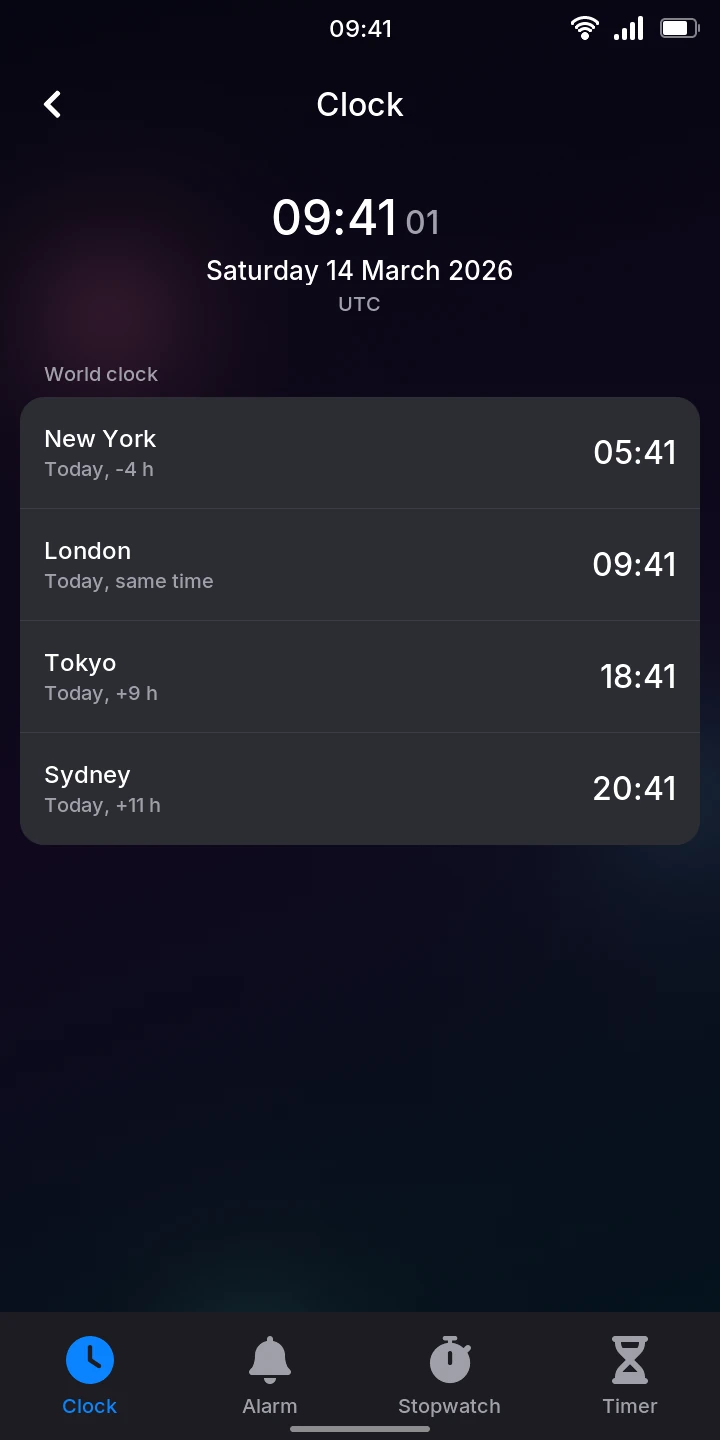
The list of cities is fixed: you cannot add or remove cities yet.
To change your own time zone, go to Settings › Date & time and tap your zone under Time zone. Clock and the world clocks follow it.
Alarm
There is one alarm. To set it:
- Tap Alarm. It is set to 07:00 at first, and is Off.
- Set the time on the two wheels, Hours and Minutes: drag a wheel up or down, or tap a number above or below the one in the middle. The time on the band in the middle is the one set. Each wheel goes round: after 23 comes 00.
- To have it ring every week on some days, tap those days under Repeat: the days chosen turn blue. With no day chosen, it rings once, at the next 07:00 (or whatever time you set), then turns itself off.
- Tap Turn on. Under the time, Clock says when it rings next: Rings in 7 h 20 min, or Rings on Monday when that is more than a day away.
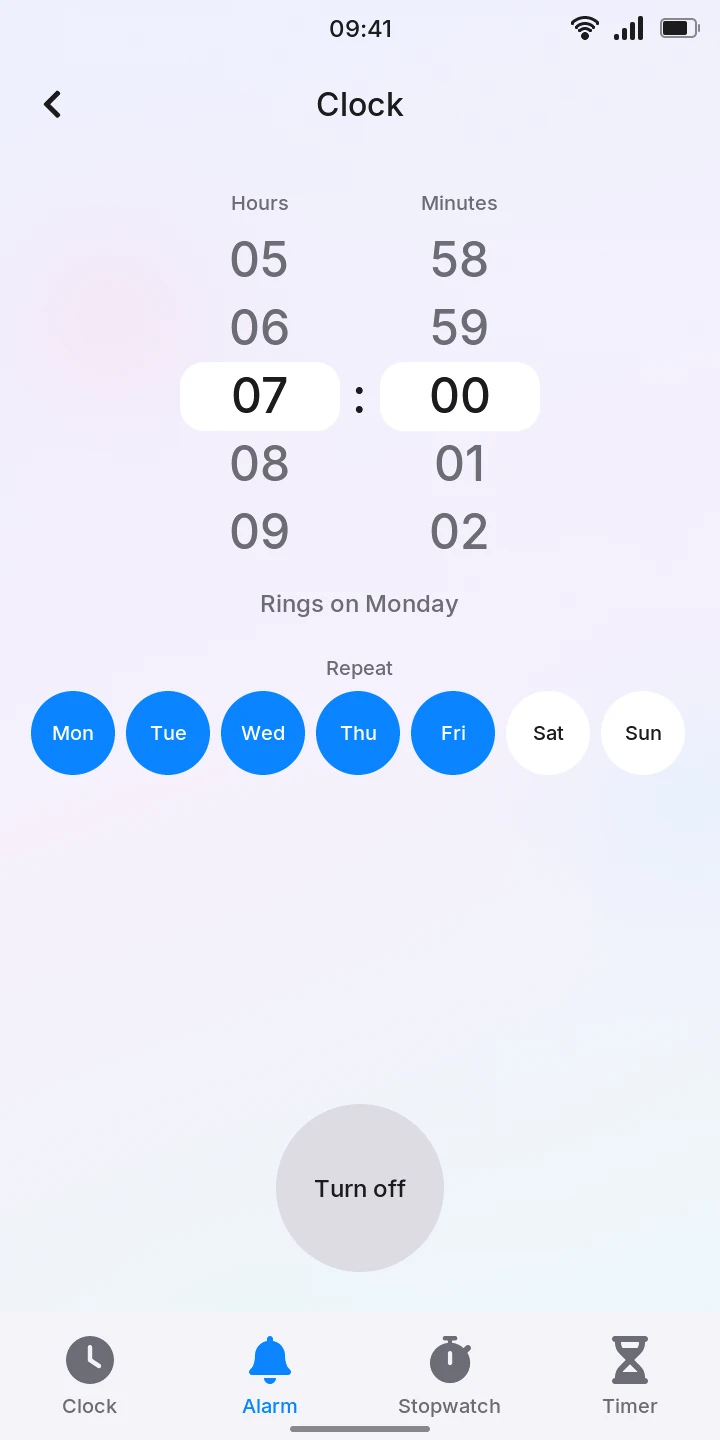
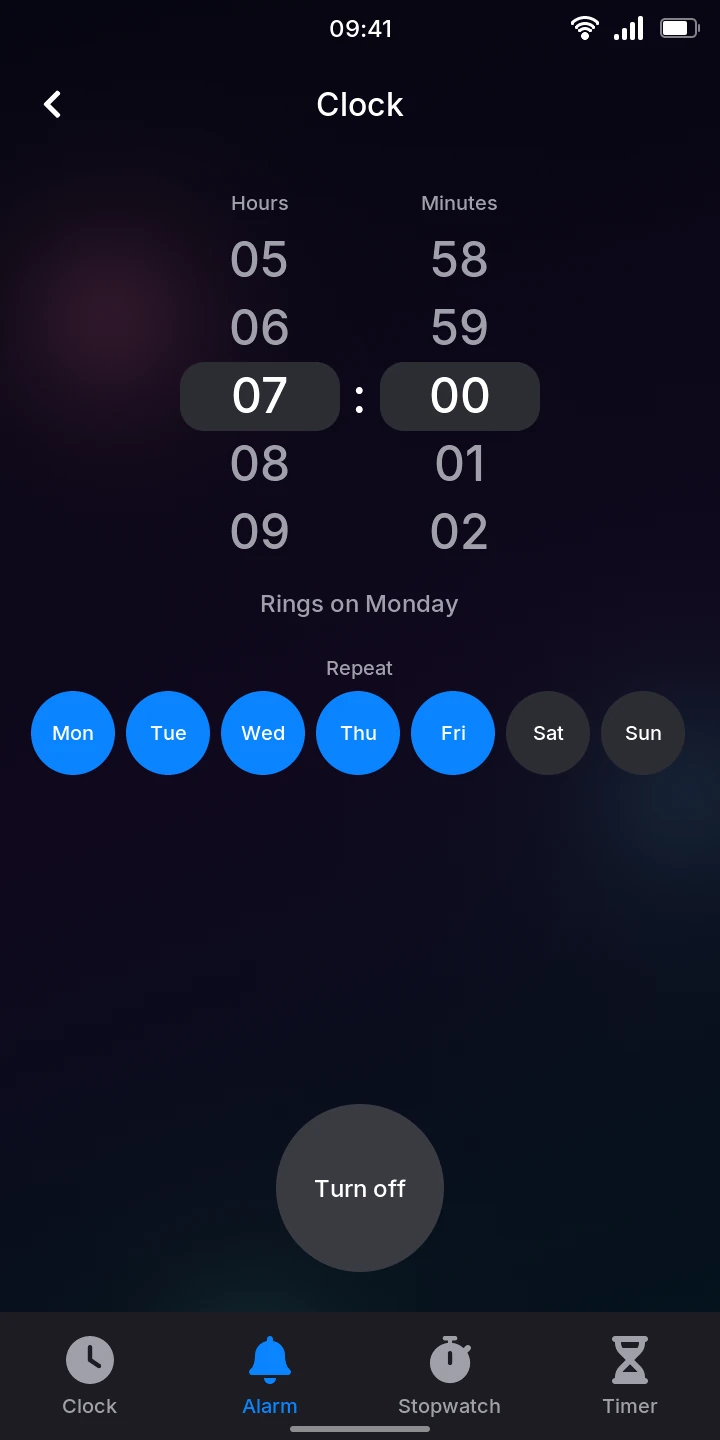
Changing the time or the days of an alarm that is on takes effect at once. Turn off turns it off. The alarm is kept when the phone restarts.
At its time, the alarm fills the screen with its time, over whatever shows and over the lock screen, as a call coming in: the phone wakes if it was asleep, and vibrates every second and a half, even when vibration () is off in the quick settings. There is no sound.
- Tap Stop, or press Power, to stop it.
- Tap Snooze to have it ring again in 10 minutes. Clock shows Snoozed until 07:10; Turn off cancels it.
If you do neither, it stops vibrating after a minute and leaves a notification, Missed alarm.
Stopwatch
- Tap Stopwatch.
- Tap Start. The time runs in minutes, seconds and hundredths.
- Tap Lap to note a lap: each lap's own time is added at the top of the list, the newest first.
- Tap Stop to stop it. Start goes on from where it stopped.
- Once it is stopped, Lap becomes Reset: tap it to clear the time and the laps.
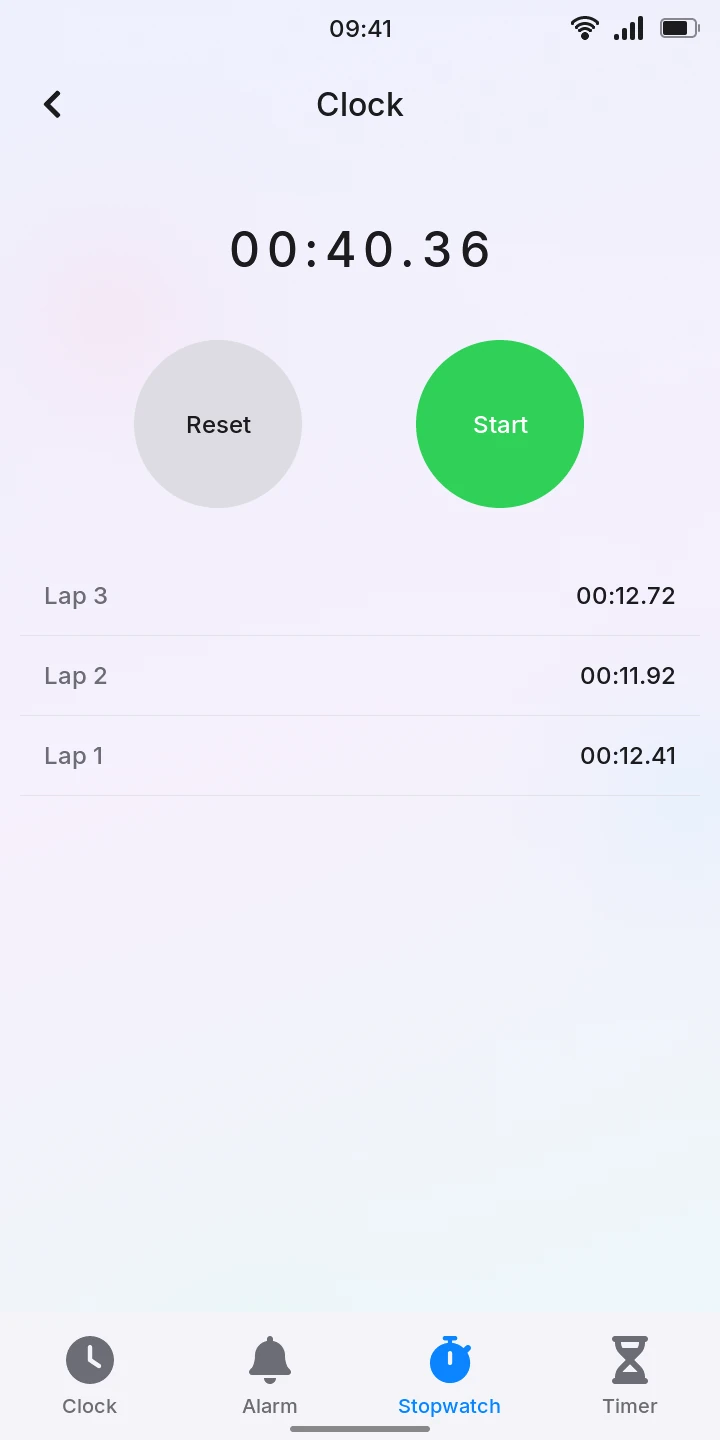
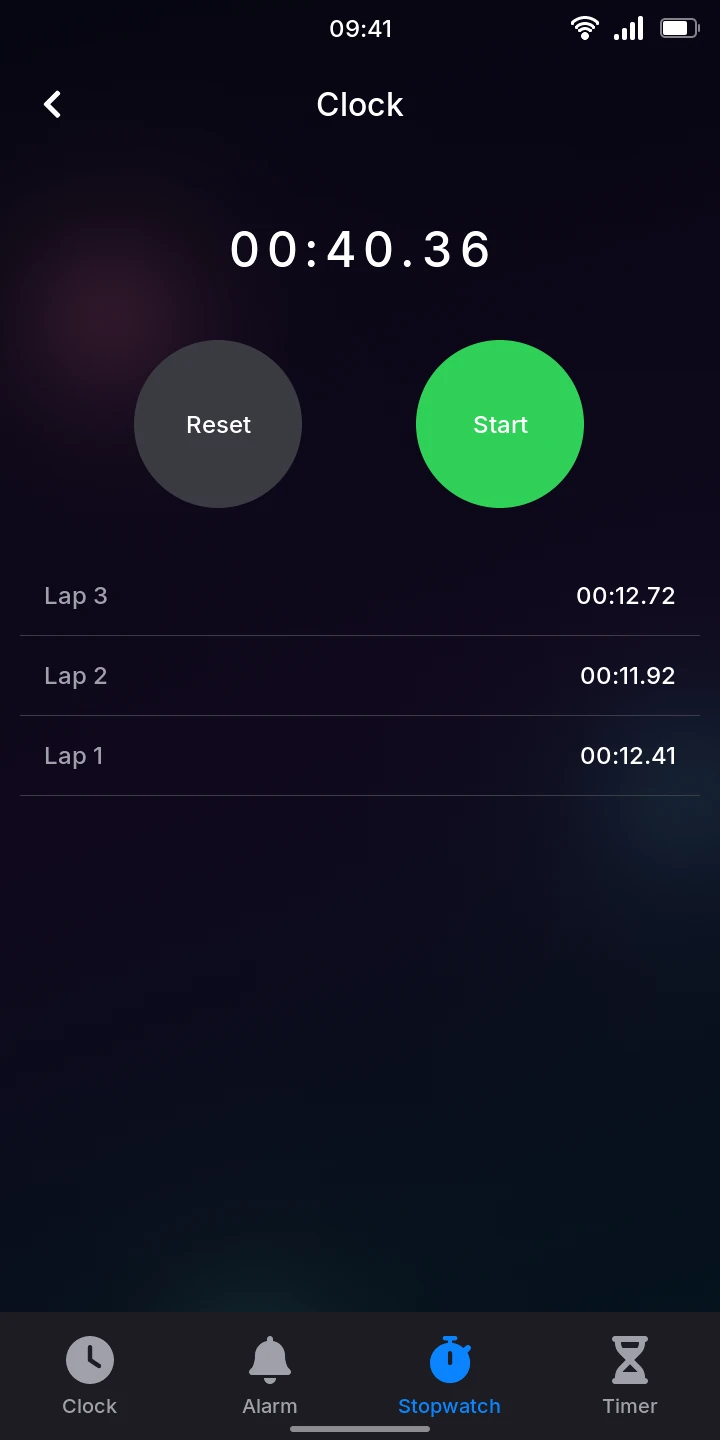
The stopwatch keeps running, with its laps, while you look at the other pages of Clock, when you leave Clock and while the phone sleeps: the time asleep counts. It does not survive a restart of the phone.
Timer
To count down:
- Tap Timer. It is set to 05:00 at first.
- Set the time on the two wheels, Minutes and Seconds, as the alarm's, or tap 1 min, 3 min, 5 min or 10 min. It goes up to 99:59.
- Tap Start. While it runs, the time left counts down in place of the wheels, and a bar under it shows how much is left.
- Tap Pause to stop it for a while, then Resume to go on.
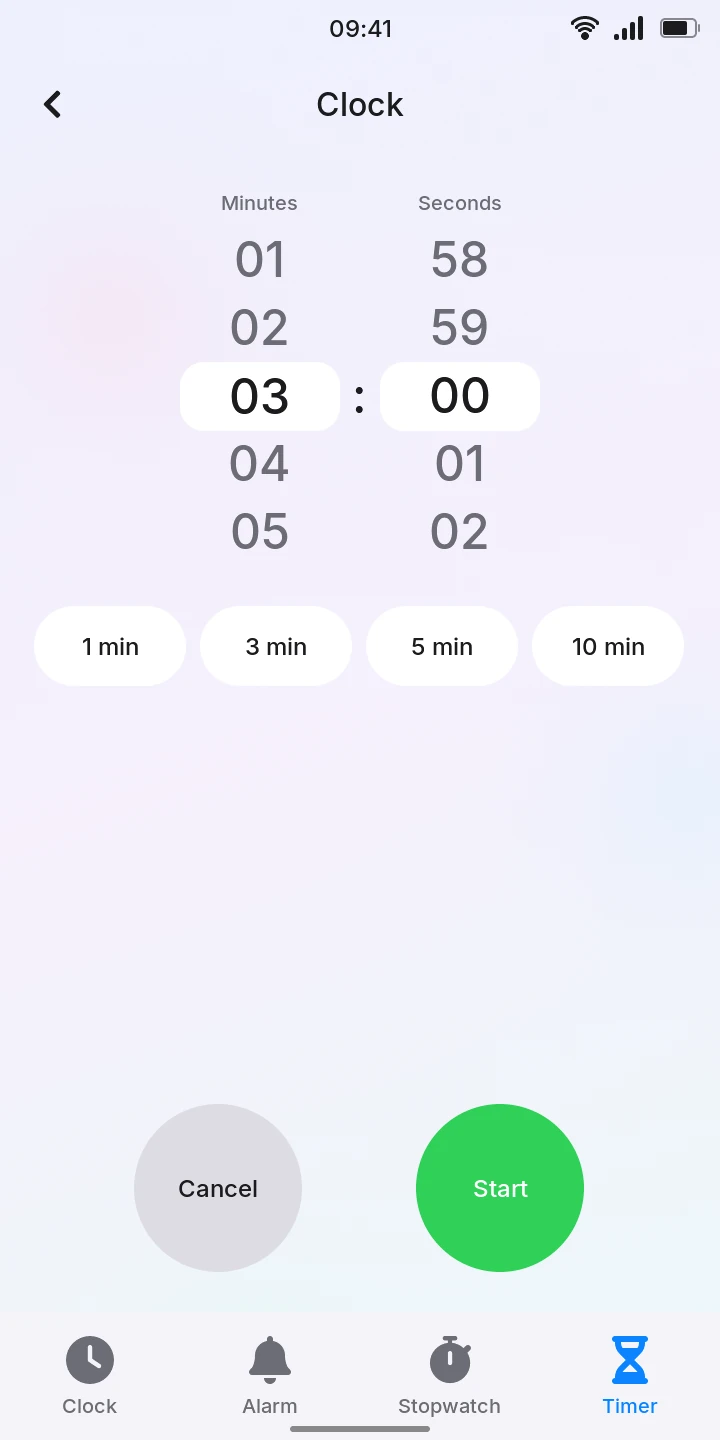
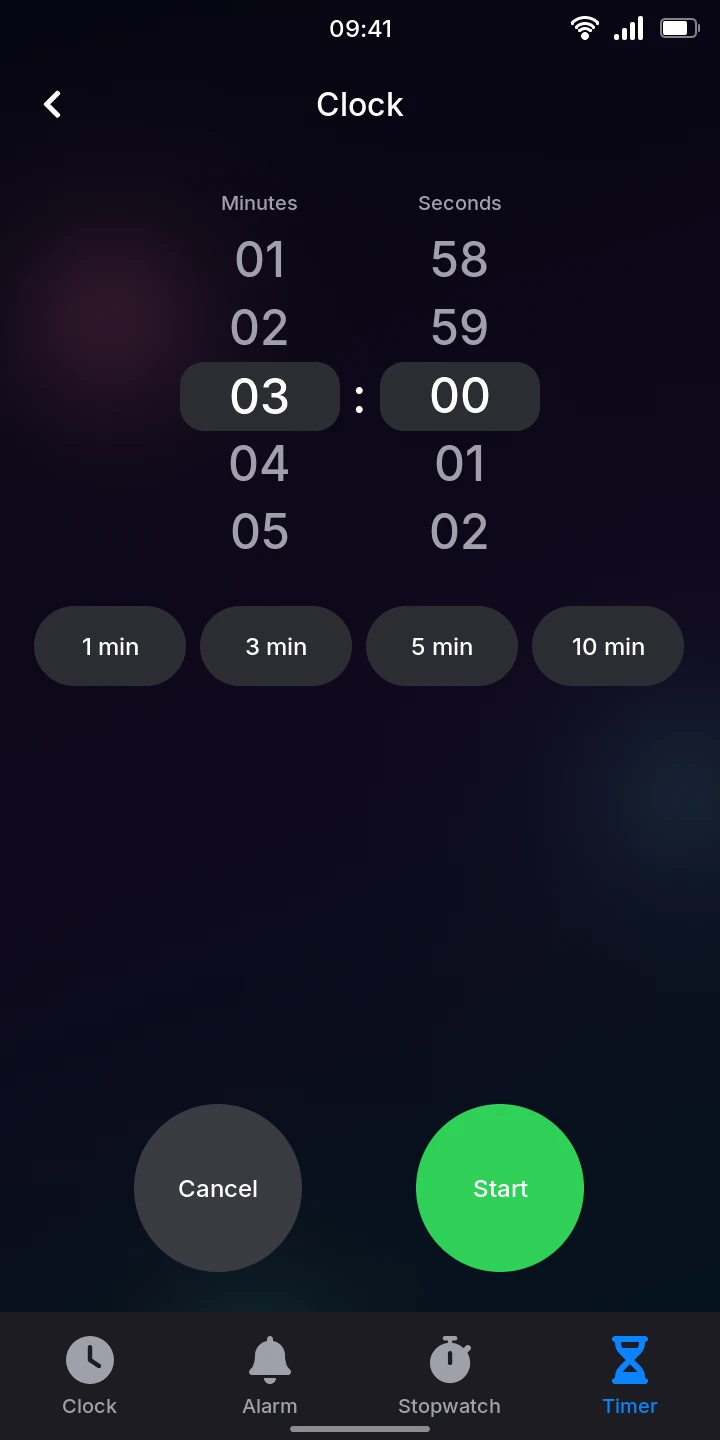
Cancel stops a running timer and goes back to setting it.
The timer goes on when you leave Clock or put the phone to sleep. When the time is up, Time's up fills the screen, over whatever shows and over the lock screen, as a call coming in: the phone wakes if it was asleep, and vibrates every second and a half, even when vibration () is off in the quick settings. There is no sound.
- Tap Stop, or press Power, to stop it. The timer is ready again with the time you set.
- Tap +1 min to run it again for a minute.
If you do neither, it stops vibrating after a minute and leaves a notification, Timer, Time's up. The timer does not survive a restart of the phone.