Videos
Videos plays the video files on the phone. Their picture is decoded by the phone's video engine, a part of the chip made for it, rather than by the processor.
Putting videos on the phone
Videos lists the files in the phone's videos folder, /var/lib/videos. To copy videos from a computer, turn on file transfer as Copying files says, then copy them into the phone's Videos folder.
With no videos yet, the app says No videos and Copy videos to /var/lib/videos.
The app reads the folder each time you open it. To see videos you copied while it is open, pull the list down from its top and let go once the circle turns blue.
The files it lists end in .mp4, .m4v, .mov, .mkv, .webm or .avi.
The list
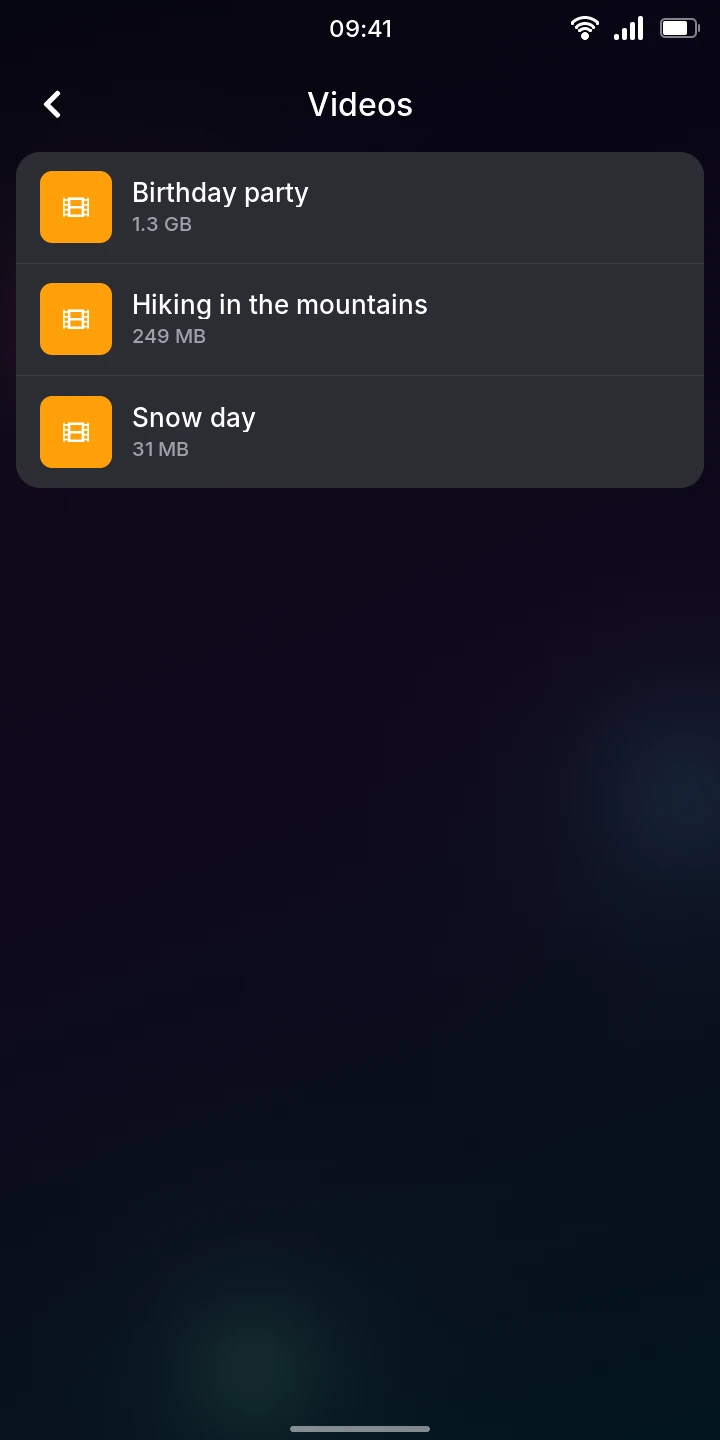
Open Videos from the menu (under Internet & media). The videos are in alphabetical order. Each row shows the file's name, without its extension, and its size.
Watching a video
- Tap a video. It starts playing, as large as the screen allows.
- Tap the picture, or the button below it, to pause. Tap again to play.
- Drag the bar to go to another point of the video. The time played is on its left, the video's length on its right.
- Tap the back arrow at the top left to stop and go back to the list.

When a video ends, it stays on its last picture. Tap to watch it again from the start.
Sideways
Turn the phone sideways to watch a video on the whole screen. The status bar and the controls go away. Tap the picture to show the controls, which hide again 3 seconds later while the video plays. Their back button leaves the video.
The screen stays on while a video plays. When the phone locks or a call comes in, the video pauses.
What it plays
The video engine decodes H.264 (the most common), H.265 (HEVC), VP8 and MPEG-2, up to 1080p. The sound can be AAC, MP3, Opus or Vorbis. Sound plays on the speaker, on headphones, or on a connected Bluetooth speaker or headphones.
Not yet
- A video the phone cannot play says Can't play this video. This includes VP9 and AV1 videos (common on the web), and 10-bit HEVC.
- The sound stays where it was when the video started: connecting Bluetooth headphones during a video does not move it to them.
- There are no subtitles, and no way to change the volume in the app (use the volume keys).