Assistant
Assistant lets you chat with an AI language model: ask a question in your own words and read the answer as it is written. It uses DeepSeek's models over the internet (Wi-Fi or mobile data), with your own DeepSeek API key.
Assistant is not part of the firmware: it is installed separately, and then shows up in the menu under Internet & media.
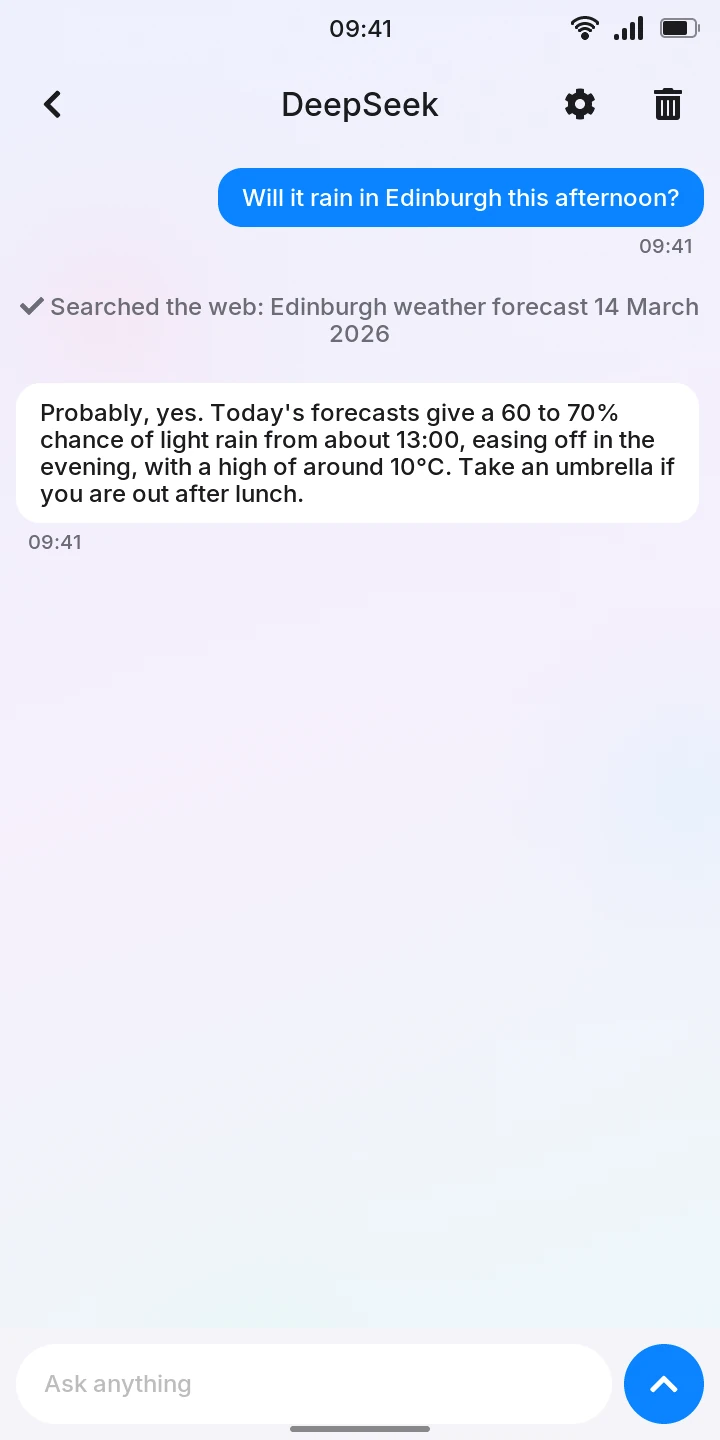
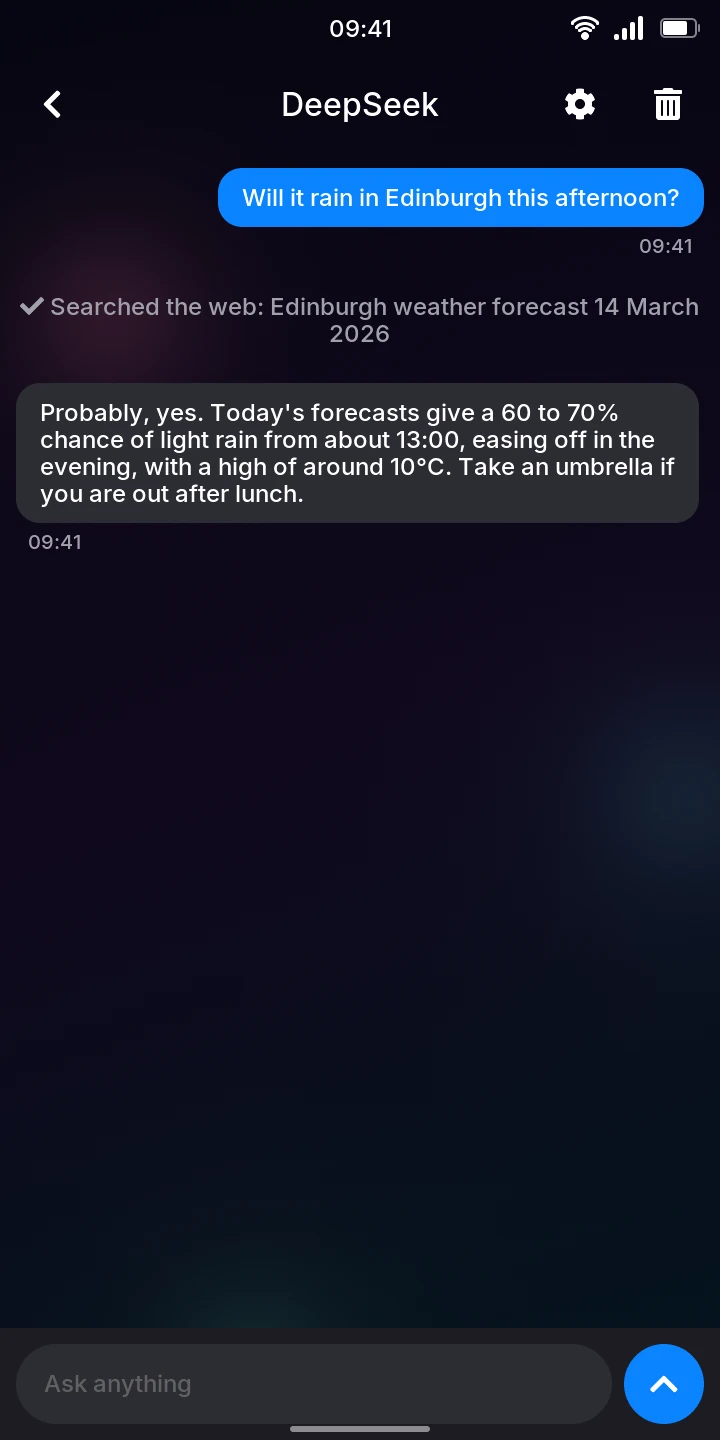
What is sent
Your questions, and the rest of the chat they belong to, are sent to DeepSeek to be answered. The chats themselves are kept on the phone.
Setting it up
Assistant needs an API key from a DeepSeek account. Create one on platform.deepseek.com, under API keys; what you ask is paid for by that account.
- Open Assistant from the menu.
- Tap the gear at the top right.
- Tap the API key field under DeepSeek and type the key.
- Go back: the key is saved.
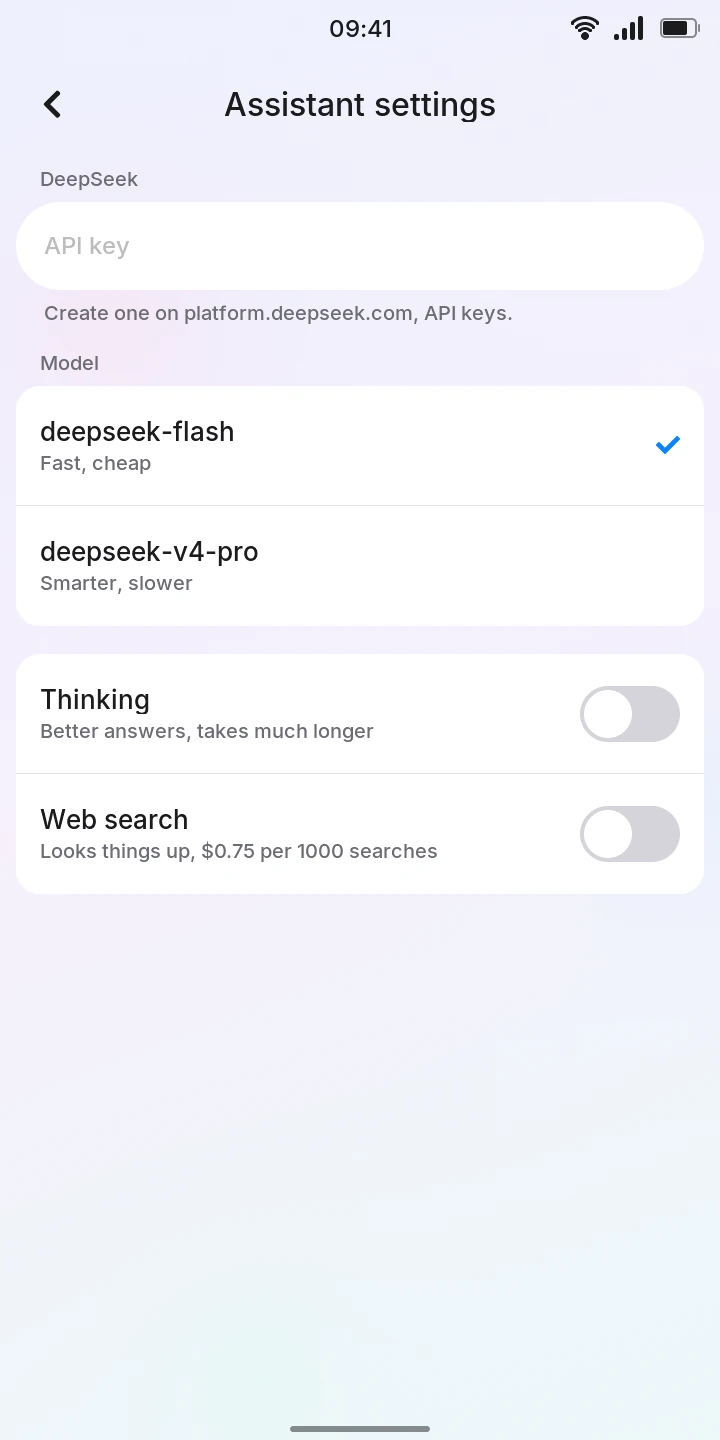
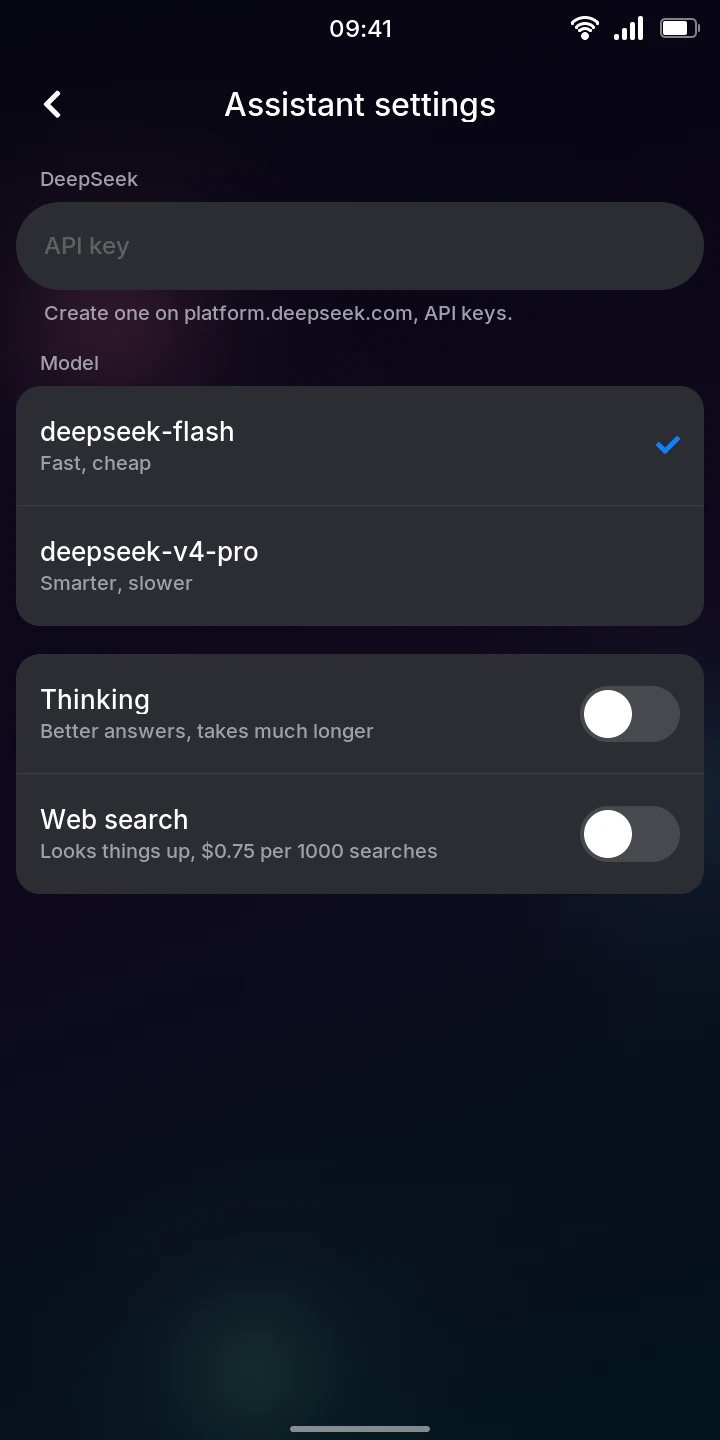
On the same screen:
- Model: deepseek-flash (fast and cheap, the default) or deepseek-v4-pro (smarter, slower). Tap one; a check mark shows the chosen one.
- Thinking: the model thinks before it answers, for better answers that take much longer. Off by default.
- Web search: lets the model look things up on the web for recent events and facts it is not sure of. Off by default; DeepSeek charges for searches ($0.75 per 1000, as the setting says).
Asking a question
- In Assistant, tap the round button at the bottom right to start a new chat.
- Type your question in the Ask anything field.
- Press Enter, or tap the send button next to the field.
Under the answer's bubble, Waiting... shows until it starts, then Writing... while the words arrive (Thinking... first with Thinking on), and the time once it is done. Answers are short, made for the phone's screen, and formatted where it helps: headings, bold and italic text, lists, quotes, code and tables, as in GitHub's comments. Code and tables too wide for the bubble scroll sideways. The model knows today's date.
With Web search on, the model decides when to search. Each search shows between the messages as Searched the web: followed by what it searched for, before the answer.
To ask a follow-up, type it in the same chat: the model sees the whole conversation. Ask one question at a time; while an answer is on its way, a new one stays in the field.
If you leave a chat while it is being answered, what has arrived so far is kept.
Your chats
The Assistant screen lists your chats, the latest first: each shows its first question, the last message, and its time (or day). Tap one to read it again or carry on.
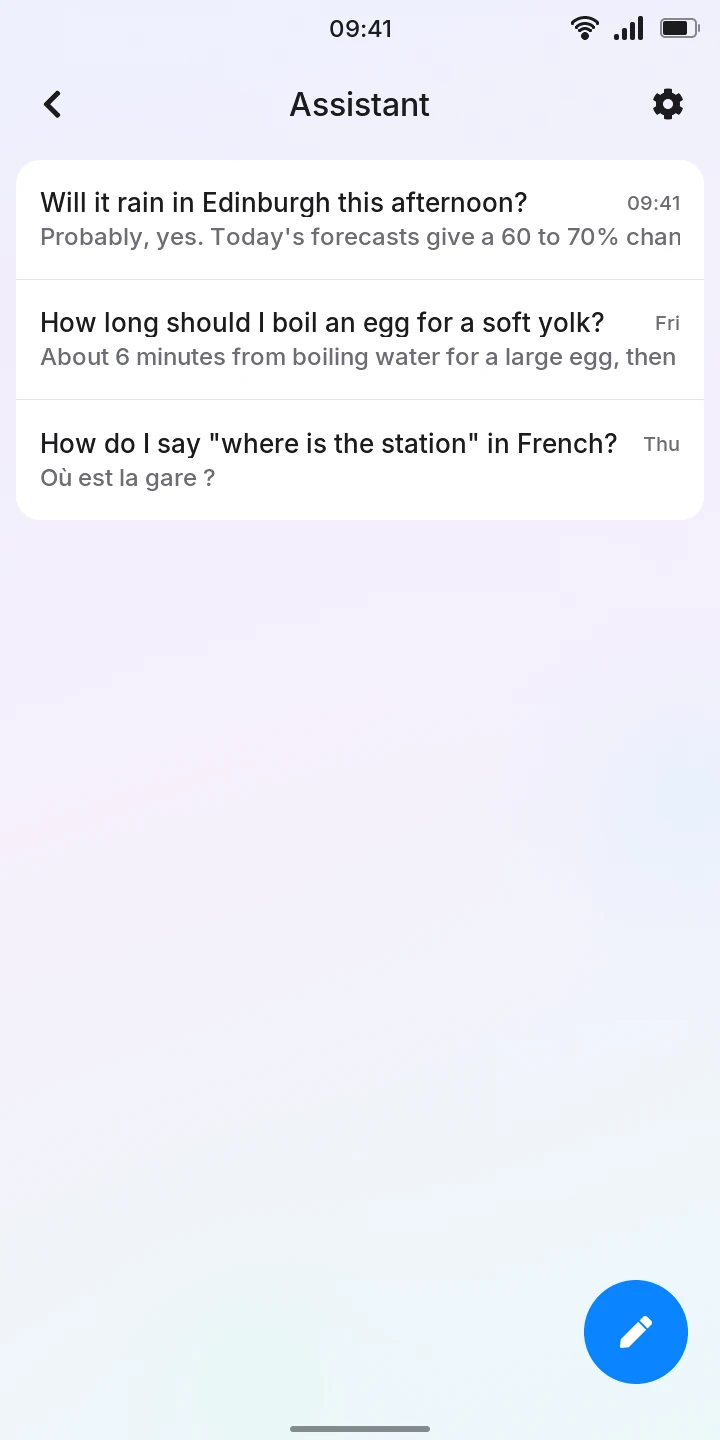
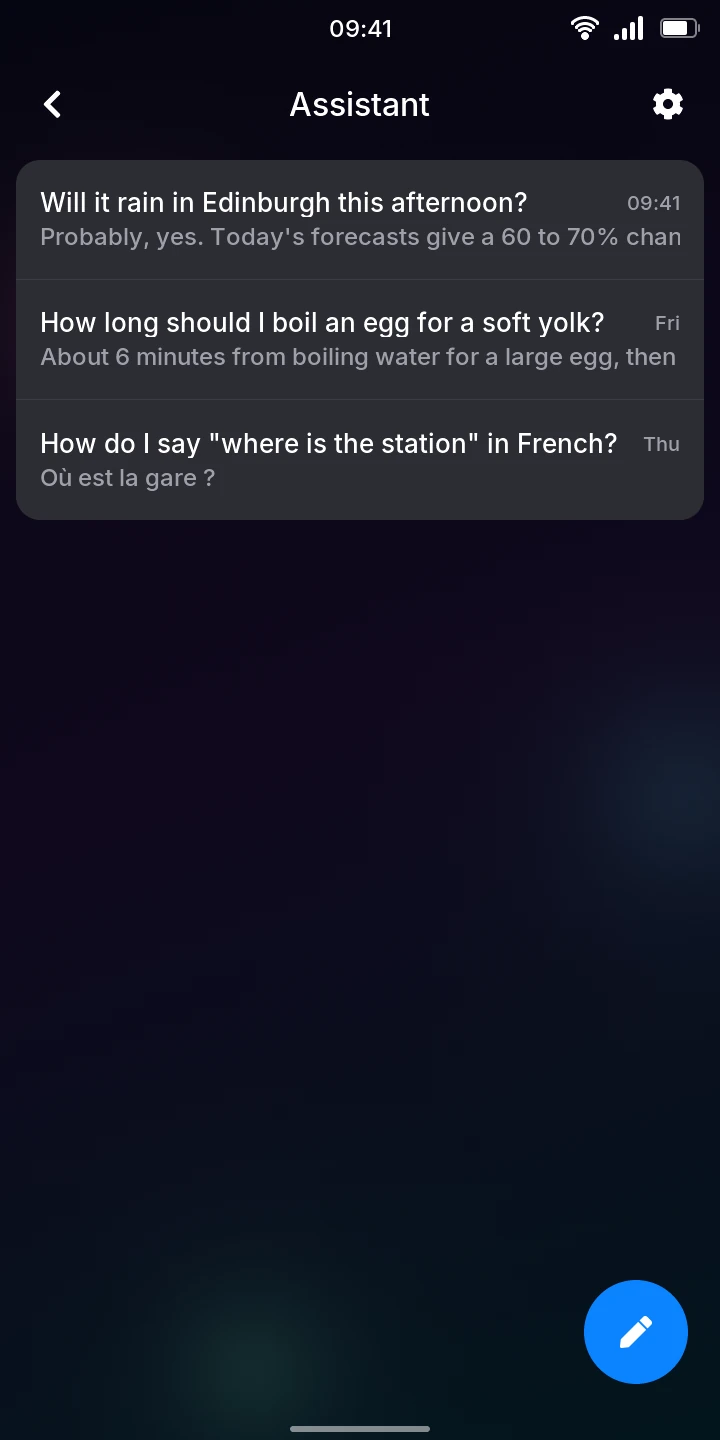
To delete a chat, open it, tap the trash can at the top right, then Delete chat (or Cancel).
When there is no answer
A message under the chat says what went wrong; tap it to try again:
- No DeepSeek API key: add one in the settings: set up a key first (the gear in the chat opens the settings too).
- No internet connection. Tap to try again.
- An error from DeepSeek, with its code in brackets: 401 means the key is wrong.
- Not answered. Tap to try again.: the chat was left without an answer.