Web Lite
Web Lite opens web pages: text, links, pictures and the pages' own layout and colors. It is made for reading and is fast on the phone, but it does not run JavaScript, so sites that need it (most web apps, logins, shops) do not work. The phone needs internet (Wi-Fi or mobile data).
For those sites there is Browser, an app installed separately: it runs JavaScript, but is larger and slower to start.
The start page
Open Web Lite from the menu. It starts on Start, a list of sites that work well without JavaScript: Wikipedia, Hacker News, CNN Lite, NPR Text, Lobsters and DuckDuckGo Lite. Tap one to open it.
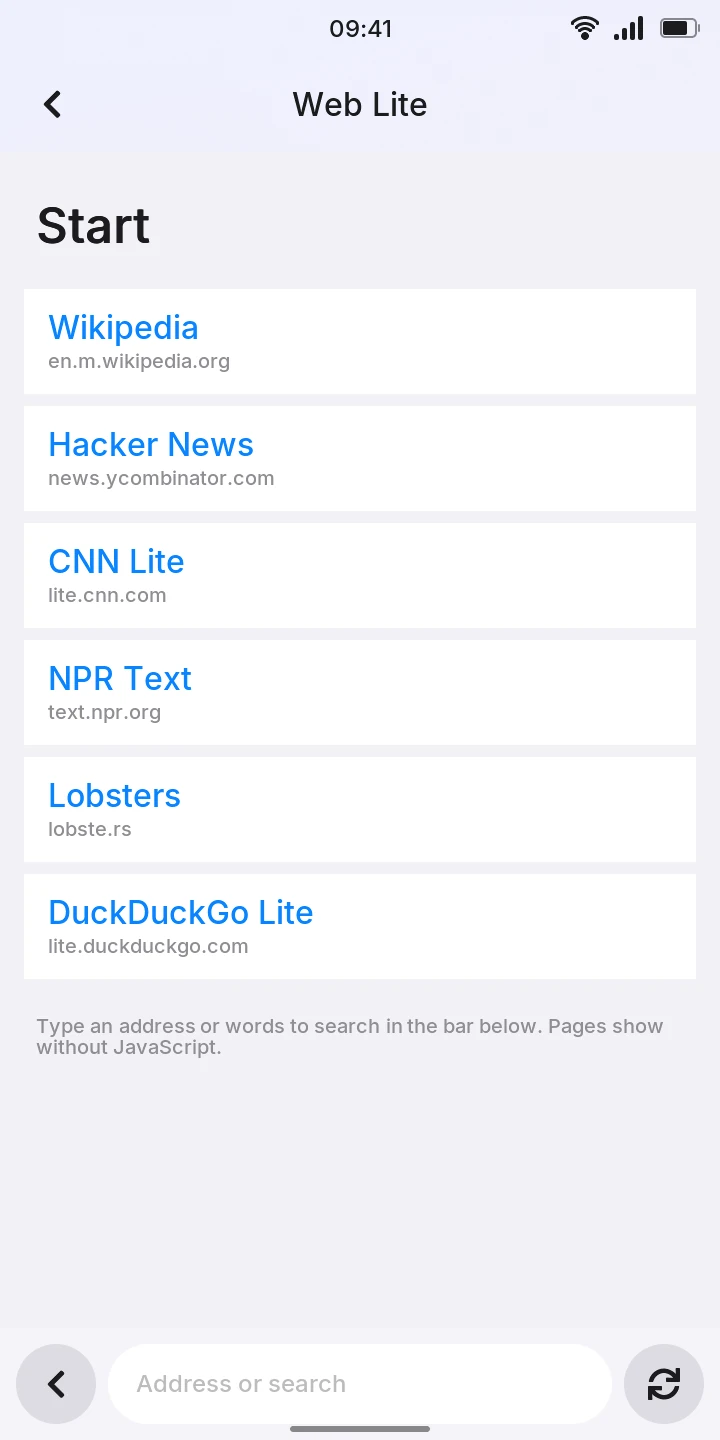
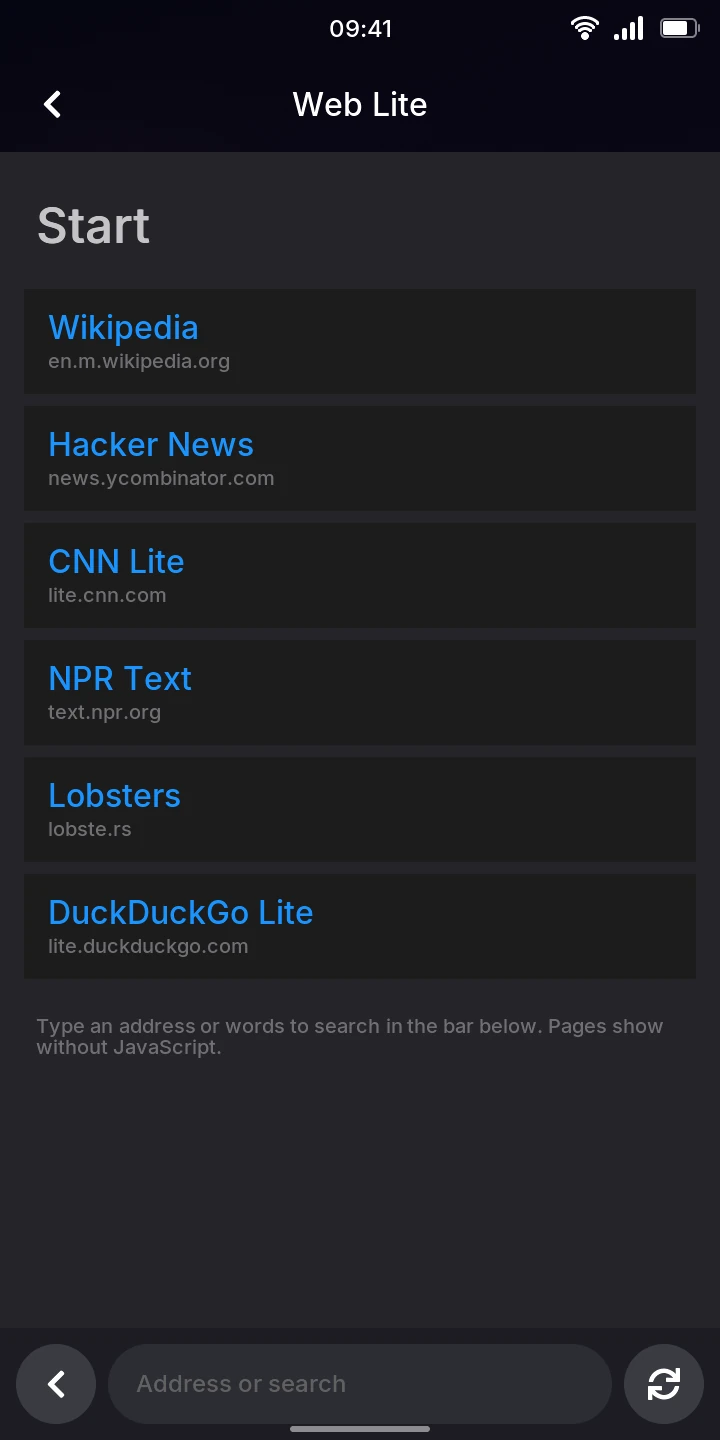
The bar at the bottom has, from left to right, the back arrow, the address field and the reload button.
Opening a page or searching
- Tap the Address or search field at the bottom.
- Type an address, such as
en.m.wikipedia.org, or words to search for. - Press Enter on the keyboard.
An address without spaces and with a dot in it opens as a secure (https://) page; you can
also type a full address starting with http:// or https://. Anything else is searched
with DuckDuckGo Lite, whose results are links to tap.
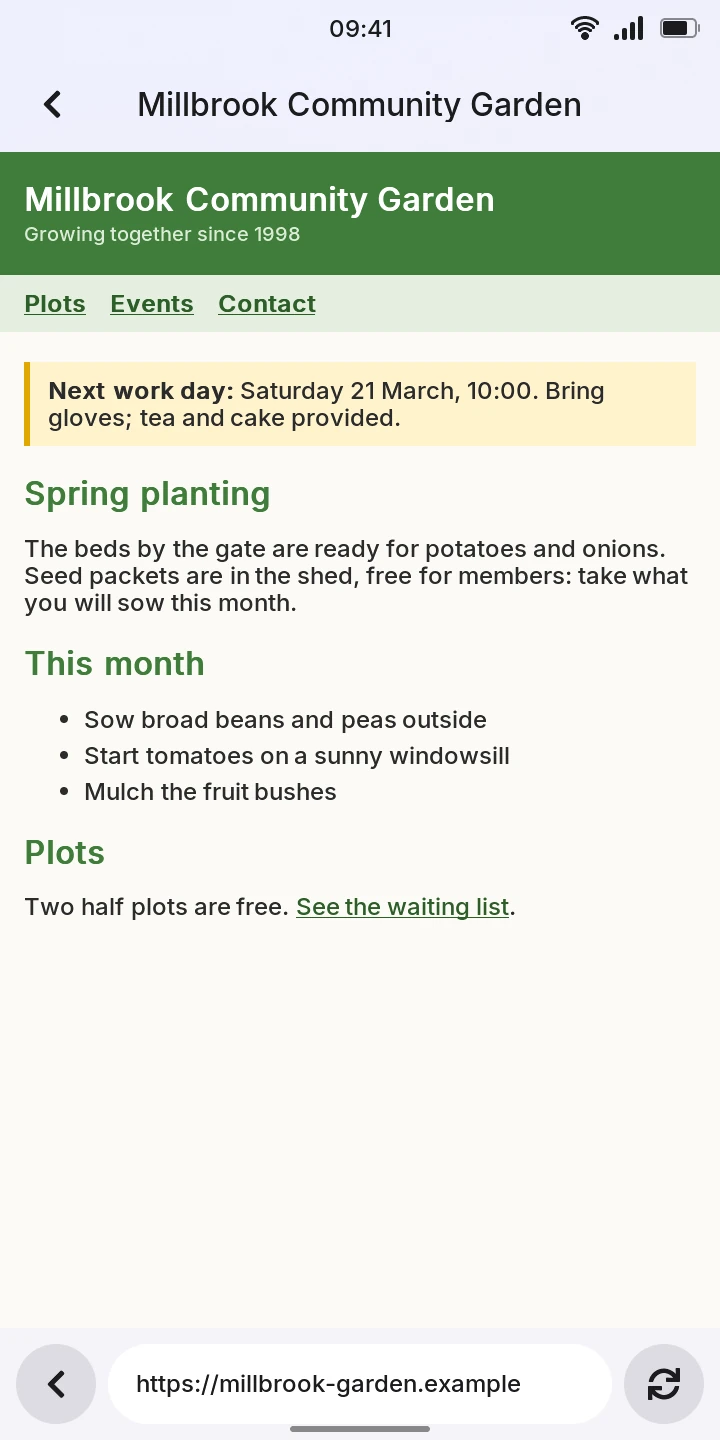
While a page loads, the title at the top says Loading... and the reload button becomes a cross: tap it to stop, and the page you were on stays. Once loaded, the page's title shows at the top and its address in the field.
Reading and following links
- Swipe up and down to scroll.
- Tap a link to follow it. A link to another part of the same page scrolls there.
- The back arrow in the bottom bar goes back to the page before, where you had scrolled to. On the start page, it closes Web Lite, as the back arrow at the top left always does.
- The reload button loads the page again and keeps your place on it.
Pictures in PNG, JPEG, WebP and SVG show once they arrive (an SVG without its text or filters); GIF pictures do not. A link to a picture or to a plain text file shows it; other files, such as PDFs, cannot be shown.
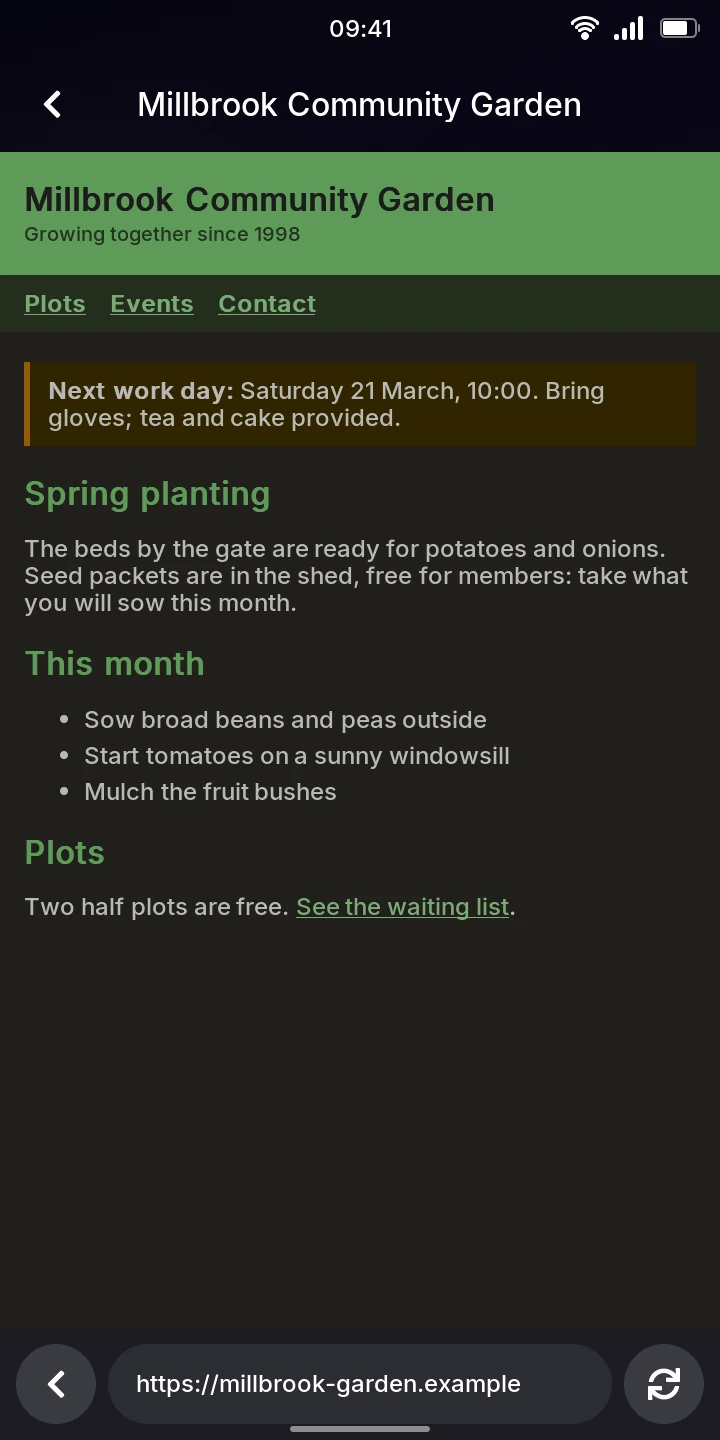
In the dark theme, pages are drawn dark: the white paper dark gray, text light, every other color as light as it was dark with its hue, pictures as they are. The light theme shows them as they are.
When a page does not load
Web Lite shows The page could not be loaded (titled Not loaded) with the reason:
No connection without internet, or the error the site answered, such as HTTP 404 for
a page that does not exist. Only web addresses (http, https) can be opened.
Limitations
- No JavaScript, and forms on pages (search boxes, logins) cannot be filled in: use the address bar to search.
- Nothing is kept once you close Web Lite: no history, bookmarks or cookies, so you cannot stay signed in to a site.
- One page at a time, no tabs.