Calendar
Calendar shows a month at a time, with today marked, and tells you about any day you tap: its weekday, how far it is from today, its week number and its day of the year.
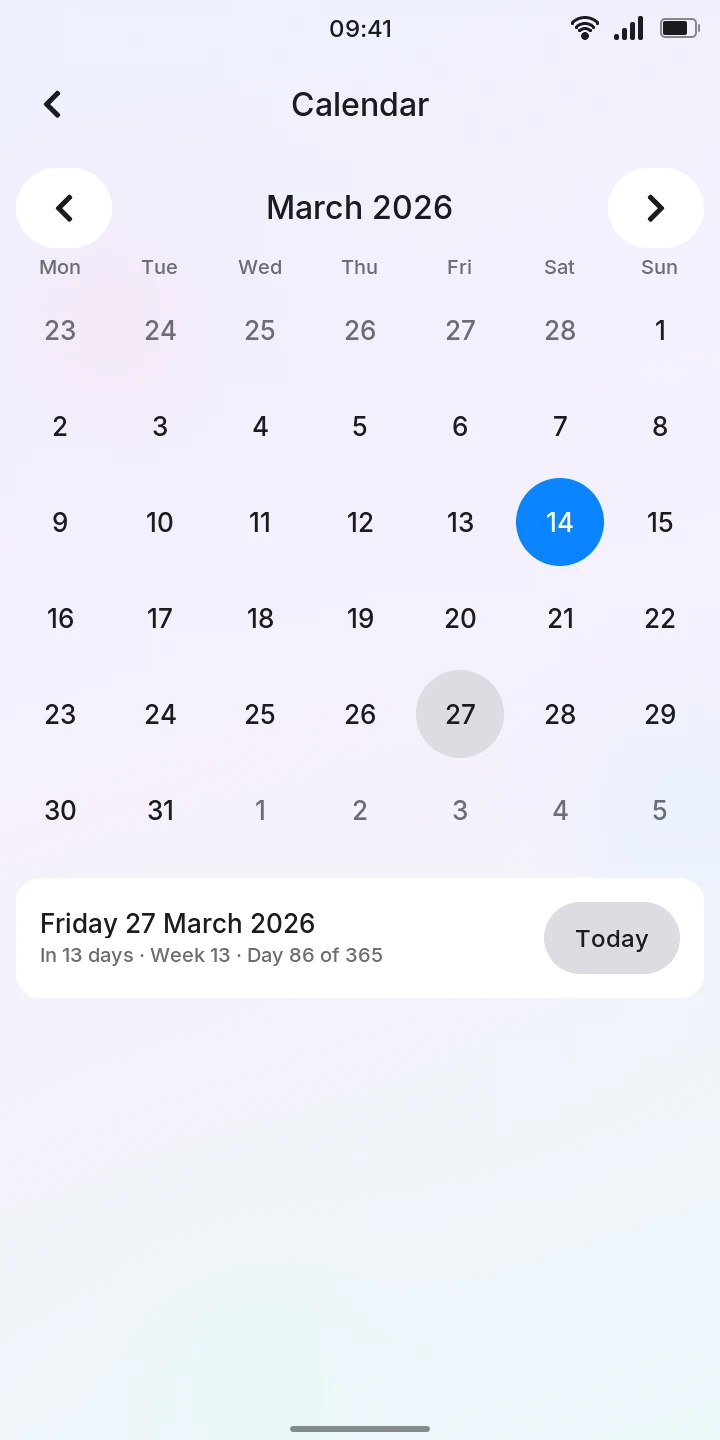
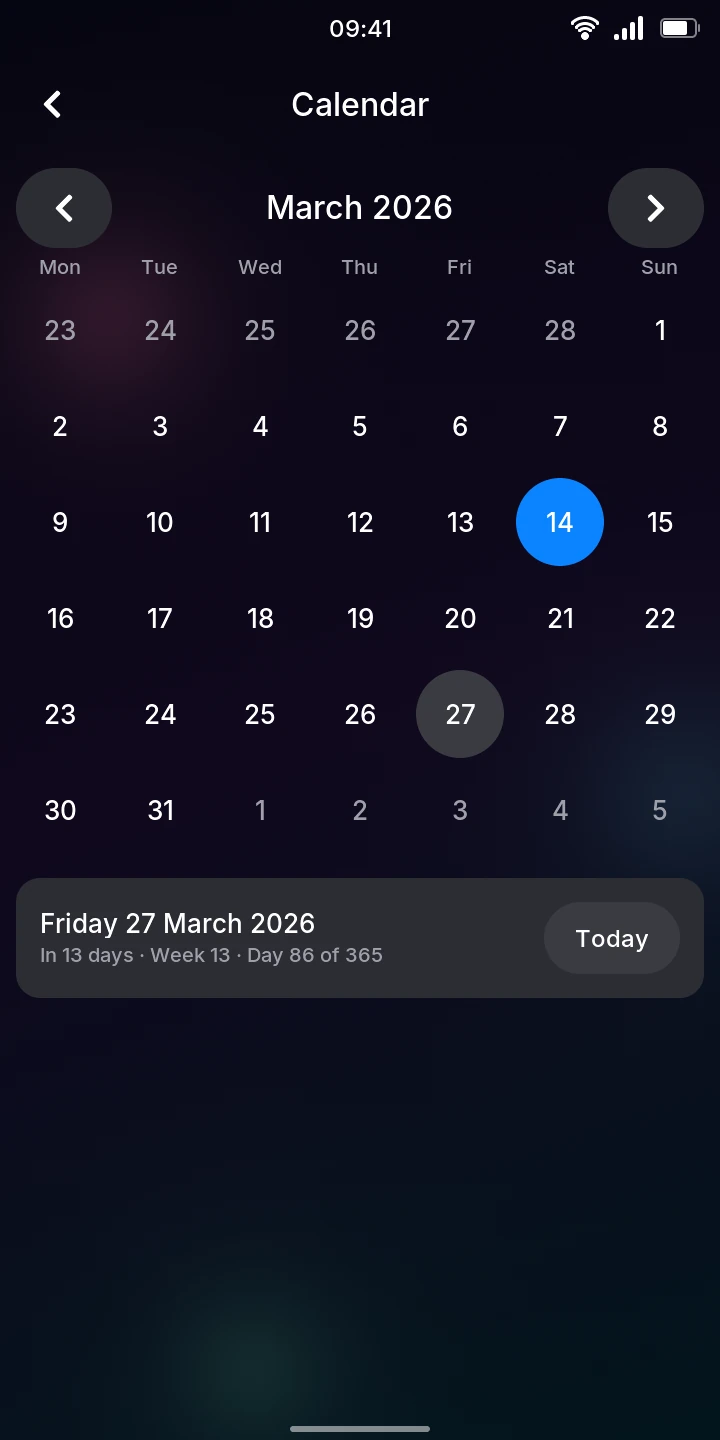
Calendar opens on the current month. Weeks start on Monday; the grey days at the start and end of the grid belong to the months before and after. Today is the blue circle.
Look up a day
- Tap the day. A grey circle marks it.
- Read the card below the month: the date, then for example In 13 days · Week 13 · Day 86 of 365 (or Today, Tomorrow, Yesterday, 5 days ago).
- Tap Today on the card to come back to today.
Week numbers are ISO weeks, as used in most of Europe: week 1 is the week with the year's first Thursday, so a year can have 53 weeks.
Change the month
- Tap the arrows on either side of the month's name, or
- swipe left (next month) or right (previous month) anywhere on the days.
- Tapping a grey day of the month before or after goes to that month and selects the day.
The selected day stays selected while you browse other months.
Note
Calendar has no events or reminders yet: there is nothing to add, and nothing is stored.